7
GB
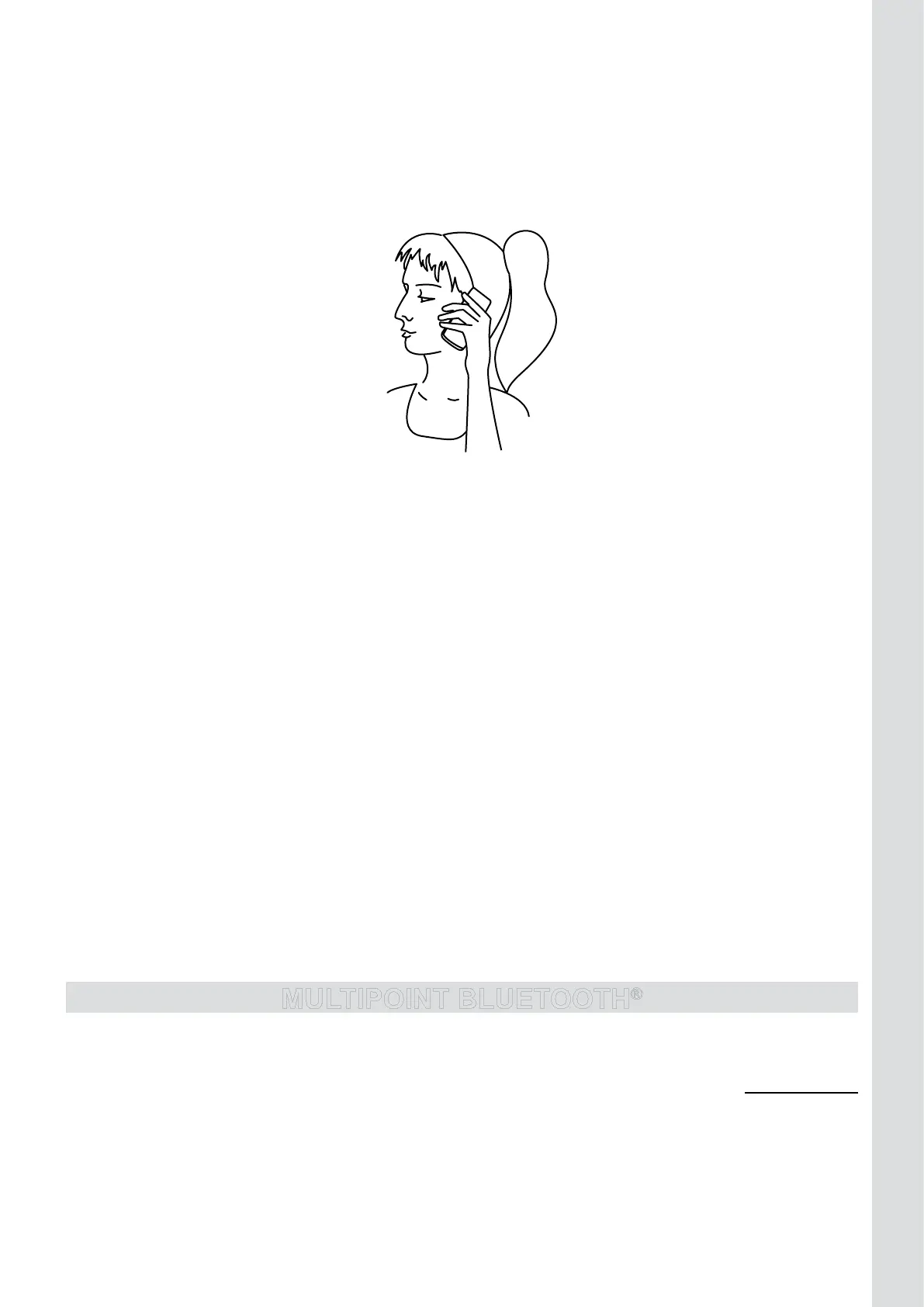
USE OF THE “PRIVACY MODE”
Switch a call into “privacy mode”:
• Duringaconversation,presstheMODEbutton(9)once.
• HoldthespeakerphonetoyourearandusetheBlueMultiasanormalphone.(
See illustration IV.)
ILLUSTRATION IV
Attention!
Use this “privacy mode” only when the car is not moving. This is NOT handsfree calling, so it is not
safe to use this function while driving!
Switch the call back to “handsfree mode”:
• PresstheMODEbutton(9)2x.
USE OF THE “MUTE MODE”
Duringaconversationyoucantemporarilyturnoffthe Blue Multi microphone.Thisiscalledthe“Mute
mode”.
Activate the “Mute mode” during a conversation:
• PressandholdtheMODEbutton(9)for2seconds.TheredLEDindicator(5)willlightcontinuously.
Switch the conversation back to “handsfree mode”:
• PressandholdtheMODEbutton(9)for2seconds.TheredLEDindicator(5)willturnoff.
TRANSFER A CALL FROM THE BLUE MULTI TO THE MOBILE PHONE AND BACK
Transfer a call from the Blue Multi to the mobile phone:
• Duringacall,presstheON/OFFbutton(3)once.TheblueLEDindicator(5)startstoash.
• Thecallwillnowbetransferredtothemobilephone.
• Afterendingthecall,theconnectionwiththeBlueMultiwillberestoredautomatically.
Transfer the call from the mobile phone to the Blue Multi:
• Duringacall,presstheOn/Offbutton(3).
MULTIPOINT BLUETOOTH
®
MULTIPOINT BLUETOOTH
®
– How to do? – 2 phones, 1 carkit -
mr Handsfree Blue MULTI supports MULTIPOINT BLUETOOTH
®
, which allows you to simultaneously
connectanduse2differentBluetooth
®
telephoneswithyourcarkit.
When2phonesareconnectedtotheBlueMULTIyoualwayshave:
• Primaryphone(1
st
phoneconnectedtothecarkit)
• Secondaryphone(2
nd
phoneconnectedtothecarkit)



 To Next Page