3 Mounting
Maschinenfabrik Reinhausen 20138 2349487/01 ENTAPGUARD® 260
When you close the temperature sensor cover, make sure that the seal is
correctly positioned and that no connecting leads are wedged in.
Checking temperature sensors
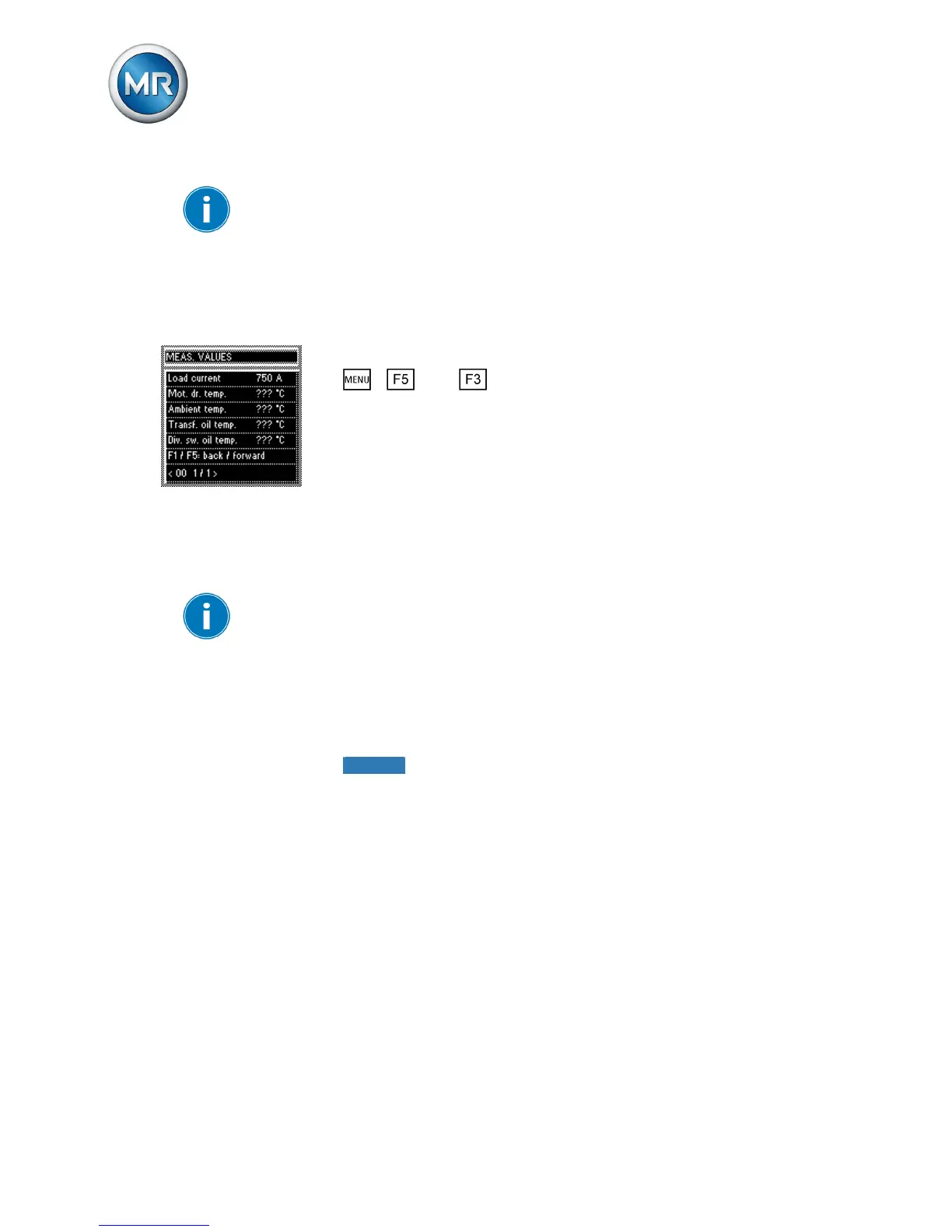
After connecting the temperature sensors, check the values measured. To
do so, proceed as follows:
1. Switch on device and wait until the operating screen appears.
2. > Info > Meas. values.
ð Measured values.
► Compare the "Transf. oil temp." and "OLTC oil temp." measured values
shown with the real values.
Connecting tap-change supervisory control
The tap-change supervisory control is integrated in the tap changer. The
connecting leads are led out through a terminal box on the tap changer
head's pipe connection.
Do not loop the tap-change supervisory control connecting leads when lay-
ing because this can cause voltage coupling and result in measurement er-
rors.
To connect the tap-change supervisory control to the device, proceed as fol-
lows:
1. Remove terminal box cover.
2. Remove connecting lead shielding.
3.
NOTICE! Do not place shielding in terminal box. Insulate tap-change
supervisory control's connecting leads with a shrink-fit hose such that
the shielding is not exposed. If this is not done, current may flow via the
shielding and the device may be damaged.
3.1.3
3.2



 To Next Page