
 Need help?
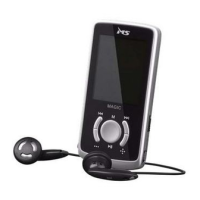
Do you have a question about the MS MAGIC and is the answer not in the manual?
Button to play, pause, or turn the device on/off.
Accesses main menu or confirms selections.
Buttons to increase or decrease the audio volume.
Switch to turn the device's power on or off.
Functions for playing music and videos, including skip and fast forward.
How to adjust the device's audio volume level.
Repeats a specific section of an audio track.
How to find and select music files or folders.
Configures playback modes like repeat, play order, and equalizer.
 General
| Brand | MS |
|---|---|
| Model | MAGIC |
| Category | Media Player |
| Language | English |

 To Next Page