- 3 -
display, and then slide the Power Switch to “OFF” to turn off the power. (Be sure to complete this
step for saving battery charge.)
Note: This player has a power-saving feature which enables the device to power off automatically if it is idle
for about 3 minutes.
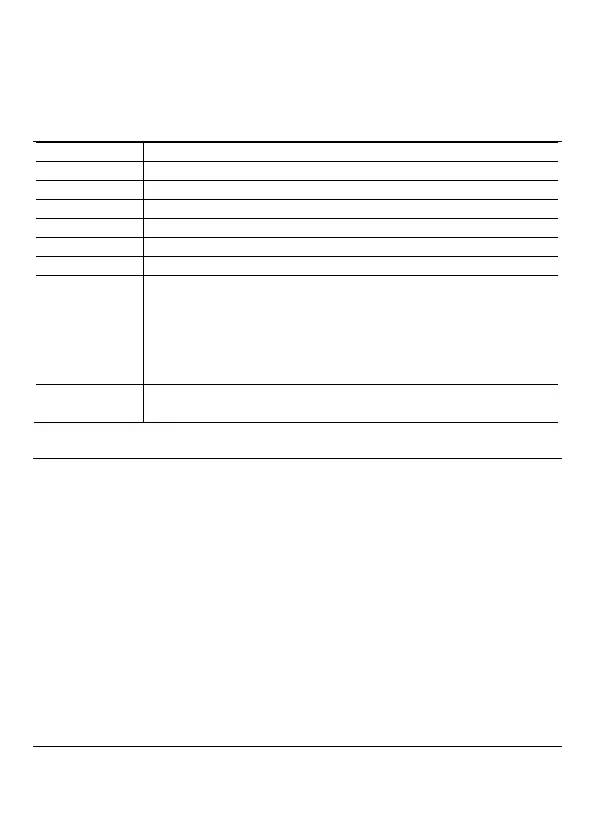
Basic operation
Press the PLAY/PAUSE button to play or pause.
Shortly press the VOL+/VOL- button to decrease or increase volume.
Shortly press the PREVIOUS button.
Shortly press the NEXT button.
Press and hold the NEXT button.
Press and hold the PREVIOUS button.
To repeat a specified section of a track,
(1) During playing, press and hold the VOL+ button to select the start
point of the repeat.
(2) Press and hold the VOL+ button again to select the stop point. The
music section between the start point and the stop point is repeated.
(3) To stop A-B repeat, press the VOL+ button.
To protect the buttons against being pressed accidentally or unlock
buttons, hold down the PLAY/PAUSE button and the VOL- together.
Playing music
Enter the music mode
Press and hold the MENU button to display the main menu.
Use the PREVIOUS/NEXT button to select “Music” menu, and press the MENU button to confirm
selection. Now you are in the MUSIC mode, refer music playing to the basic operations.
Search for Tracks
(1) When the music is playing, you can press the MENU button to enter the folder explorer mode.
(2) Press the PREVIOUS/NEXT button to select a folder or track, and press the MENU button to
confirm selection, or press the PLAY/PAUSE button to return.
Display lyric
To display lyric while you are listening music,
(1) Copy a lyric file in LRC format to your player. Please note that the LRC file should be in the
same directory and have the same name of the track to be listened.
(2) Locate and play the track. When the music is playing, press and hold the VOL- button to switch
between lyric and ID3 info mode.
Playing videos
(1) Press and hold the MENU button to display the main menu.
(2) Use the PREVIOUS/NEXT button to select the “Video” menu, and press the MENU button to
enter the video player mode.



 To Next Page