7
• To avoid inadvertent switching of the channels
changes or shutdown, the green button
must be held for four seconds to turn OFF
the Transmitter.
• When all LED indicators shut OFF the user
may release the green button
• The Transmitter is now OFF
To turn the Transmitter ON again push the channel
selection button and hold it for approximately one
second. The Transmitter will restart on the same
channel in which it was switched off.
User interface-indicators and warnings
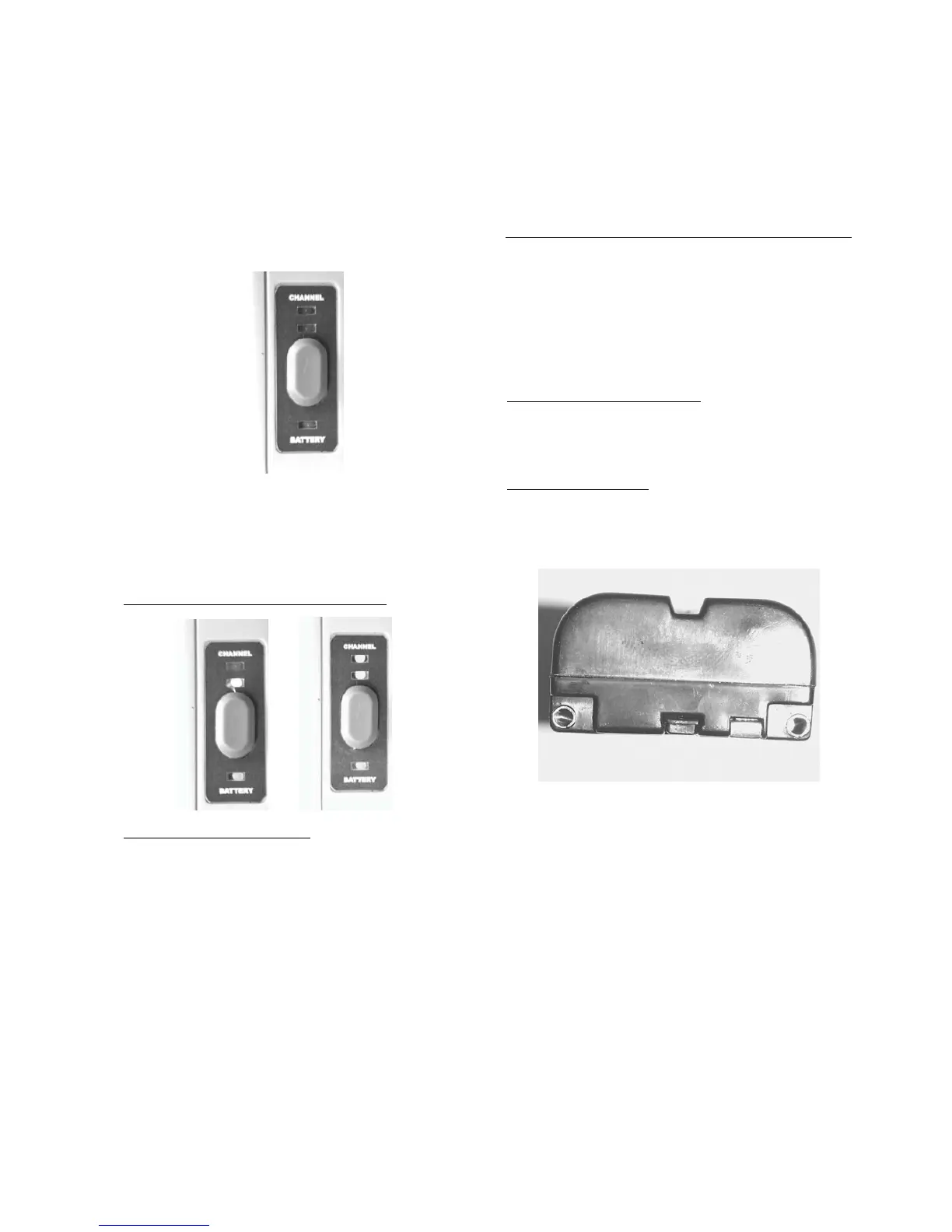
Battery LED / System Status
A lit battery and channel LED indicates that
the Transmitter is on and fully operational.
• Green indicates full or nearly full battery.
• Yellow indicates marginal battery
capacity.
• Red indicates battery warning and
nominally 15 minutes of battery capacity
remaining.
• Flashing Red indicates battery shutdown
is imminent [about one minute of
warning time].
Channel LED [green]
One lit LED indicates channel 1 is selected.
Two lit LEDs indicate channel 2 is selected.
When the wireless video tansmission system is
turned OFF, all LED´s are darkened.
4 Battery Information
Rechargable Batteries
The EVOLUTION
5000 Transmitter runs on one
Lithium Ion battery. Although this is the same type
battery used in the EVOLUTION
5000 TIC the
Transmitter is powered seperately
Battery Installation and Care
Install the battery as described in point 3 "getting
started"].
Battery Maintenance
After each use, inspect:
• battery contacts for damage
Normal battery shown.



 To Next Page