EVOLUTION 6000 Thermal Imaging Camera
38
Camera Setup
MSA
US
(1) Open the camera door to expose the USB ports. Do not remove the battery.
(2) Locate the USB port B under the battery door and connect the USB cable (
Fig. 11, page 29).
(3) Turn ON the EVOLUTION 6000 TIC.
NOTE: The EVOLUTION 6000 TIC must NOT be in the OnScreen Setup mode when using the
MSA EVOLUTION 6000 Configuration Application.
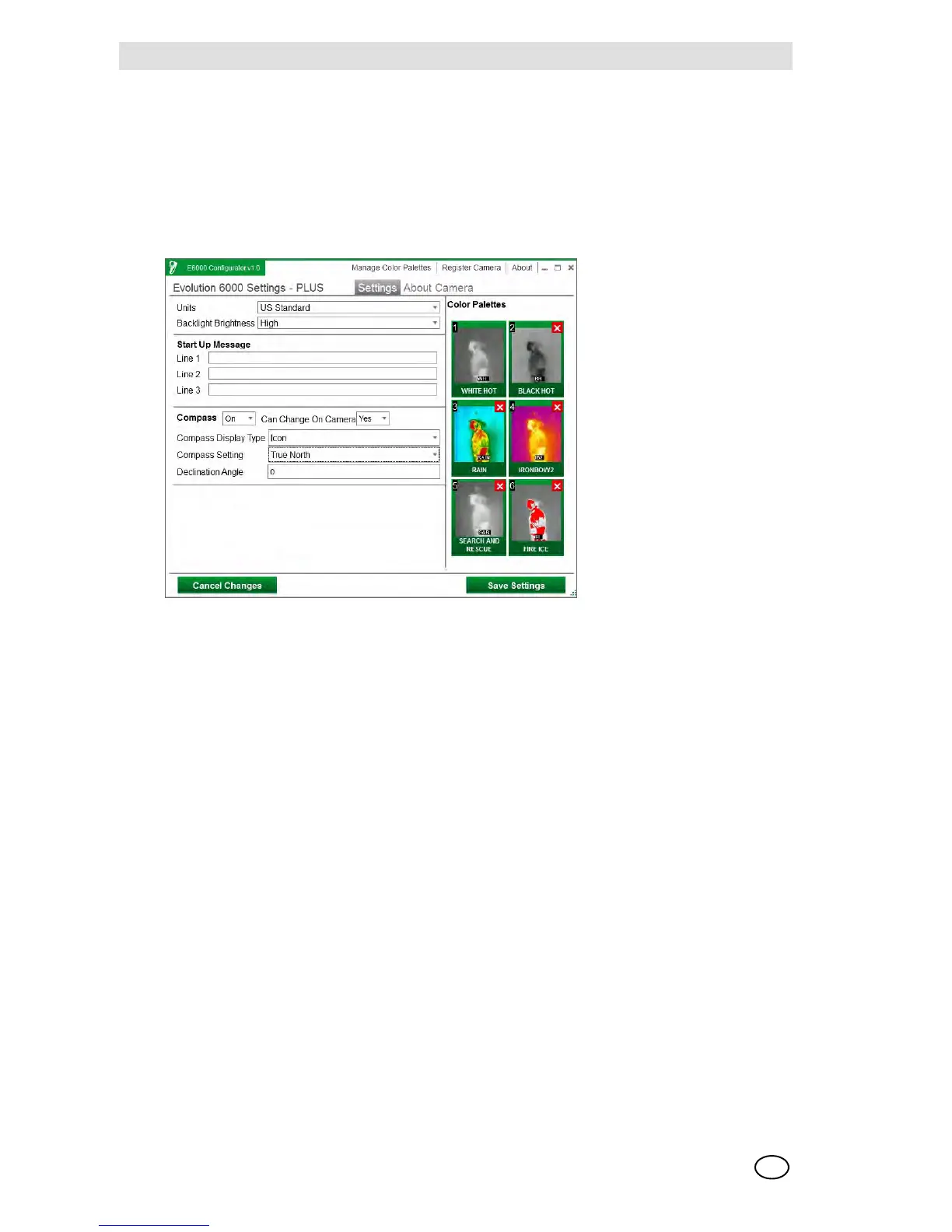
(4) Follow the instructions on the PC.
Fig. 15 TIC Settings



 To Next Page