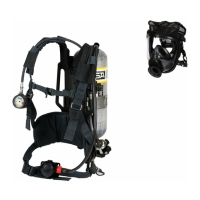
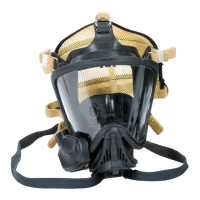
G1 Facepiece
9
Description
GB
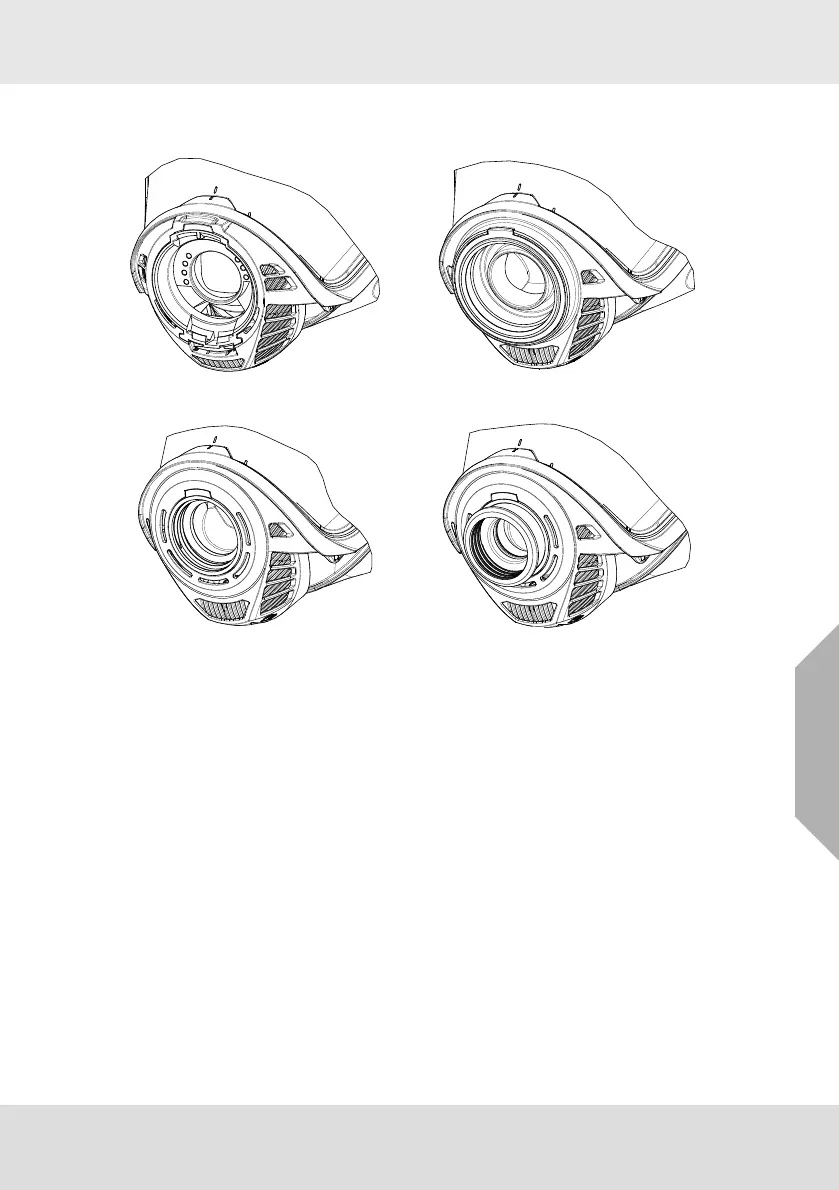
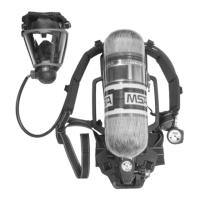
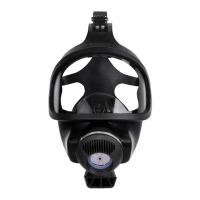
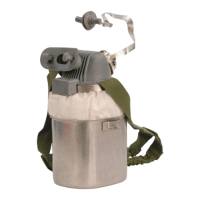
Component Housing Versions
The mask is available with different component housings:
2.2 G1 Heads-Up Display (HUD)
When the mask version with the G1 fixed Push-to-Connect component housing is used in connection
with a G1 SCBA, the light pipes on the mask are part of the HUD. The HUD is integrated into the
demand valve and projects light into the mask.
The HUD provides the pressure and alarm status to the user through light pipes into the mask. The
pressure status is on the right side of the user, while the alarm status is on the left side of the user.
For details about the HUD, see G1 SCBA operating manual.
2.3 Filter Adapter
Using the filter adapter with the G1 fixed Push-to-Connect component housing, protective filters
equipped with a standardized thread according to EN 148-1 can be attached to the mask. The instruc-
tions for use of the respiratory filters have to be regarded, including any information regarding the use
in potentially explosive atmospheres.
Fig. 4 Fixed Push-To-Connect Fig. 5 Push-To-Connect
Fig. 6 M45x3 Fig. 7 ESA



 To Next Page