86
3103-1001 Rev. 0
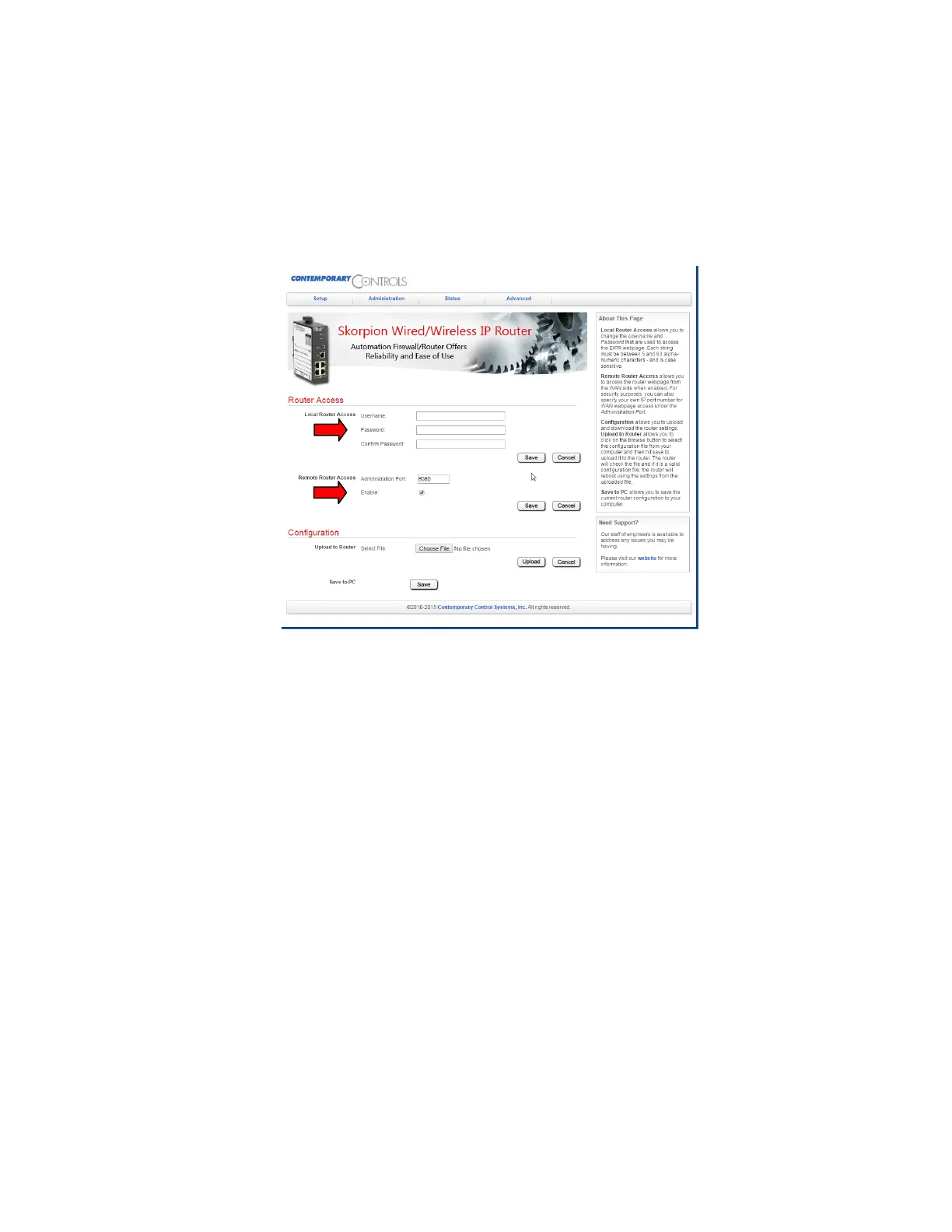
Upon returning to the main utility screen, the user has the option to change the login credentials if
desired under the “Administration” tab. The user name, password and administration port fields are
marked with a red arrow in Figure 58. Click “Save” when complete and the router will reboot after
30 seconds. The router has now been properly configured and the WAN side port can be connected
to the user’s network for use.
Figure 58: Login Credentials



 To Next Page