English
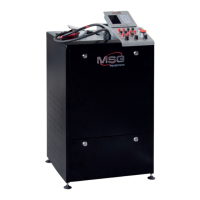
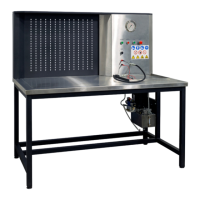
Test bench MS008
14
6. TEST BENCH MAINTENANCE
The bench is designed for a long operation life and doesn’t have any special maintenance
requirements. At the same time, to ensure the maximum operation life, the regular monitoring of
bench technical condition should be made as follows:
• Motor operation inspection (uncommon noises, vibration etc.);
• Alternator drive belts condition (visual inspection);
• Condition of power wires for the connection of unit to bench ports (visual inspection);
• inspection of bench operation environment (temperature, humidity, vibration etc.).
6.1. Test bench software update
Being connected to the Internet, with every switching on, the test bench checks for software
updates of diagnostics program, database and bench firmware.
In case the bench finds the
software update at company server, you’ll be offered to install the update or disregard it. To start
updating, press OK, to decline – SKIP.
NOTE! Updates may take a while to install.
WARNING! It’s forbidden to switch off the bench supply to stop the updating.
6.2. Cleaning and care
To clean the bench surfaces, use either the soft napkins or rags, and neutral cleansers. The display
should be cleaned with a special fiber display cleaning cloth and with a spray for display cleaning.
To prevent the bench from the failure and corrosion, do not use abrasive materials and solvents.


 To Next Page