3-21
Getting Started
Quick Launch [Fn] Buttons
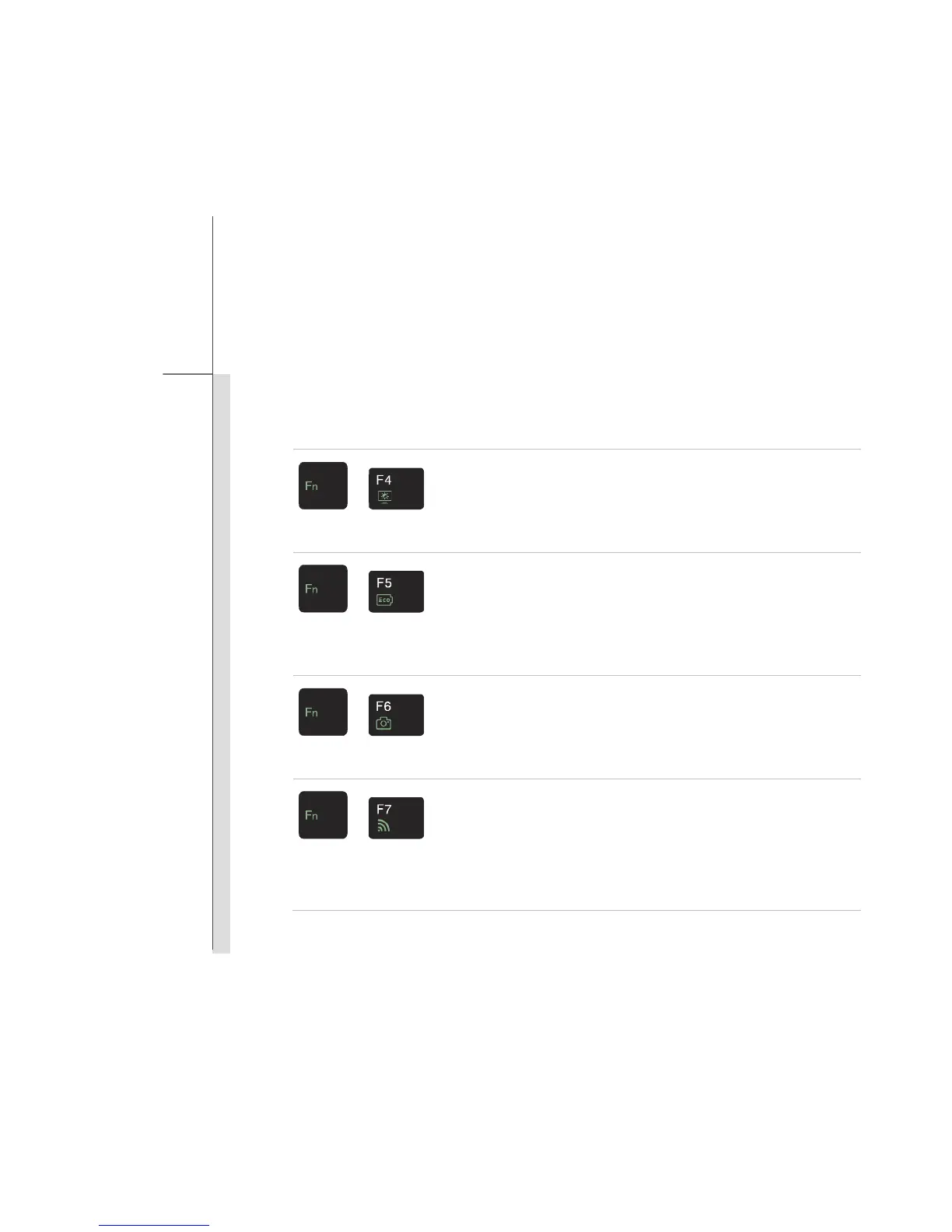
Use the [Fn] buttons on the keyboard to activate the specific applications or tools.
With the help of these quick launch buttons, users will be able to do work more efficiently.
+
Light Sensor
Press Fn once to bring Function Smart tool page. Then press F4
button once to enable or disable the Light Sensor function.
Light Sensor is a feature which detects ambient light and control
the display brightness.
+
ECO Engine
(Power Saving)
Press Fn once to bring Function Smart tool page. Then press F5
button recurrently to switch among various power saving modes
provided by ECO Engine, or to turn this function off.
Note that ECO Engine is an optional function.
+
Webcam
Press Fn once to bring Function Smart tool page. Then press F6
button to turn the Webcam function on or off.
+
WLAN (WiFi)/
Bluetooth
(optional)
Press Fn once to bring Function Smart tool page. Then press F7
button recurrently to switch among WLAN On, Bluetooth On, BT 3.0
On (WLAN & BT On), and WLAN & BT Off.


 To Next Page