3-25
Getting Started
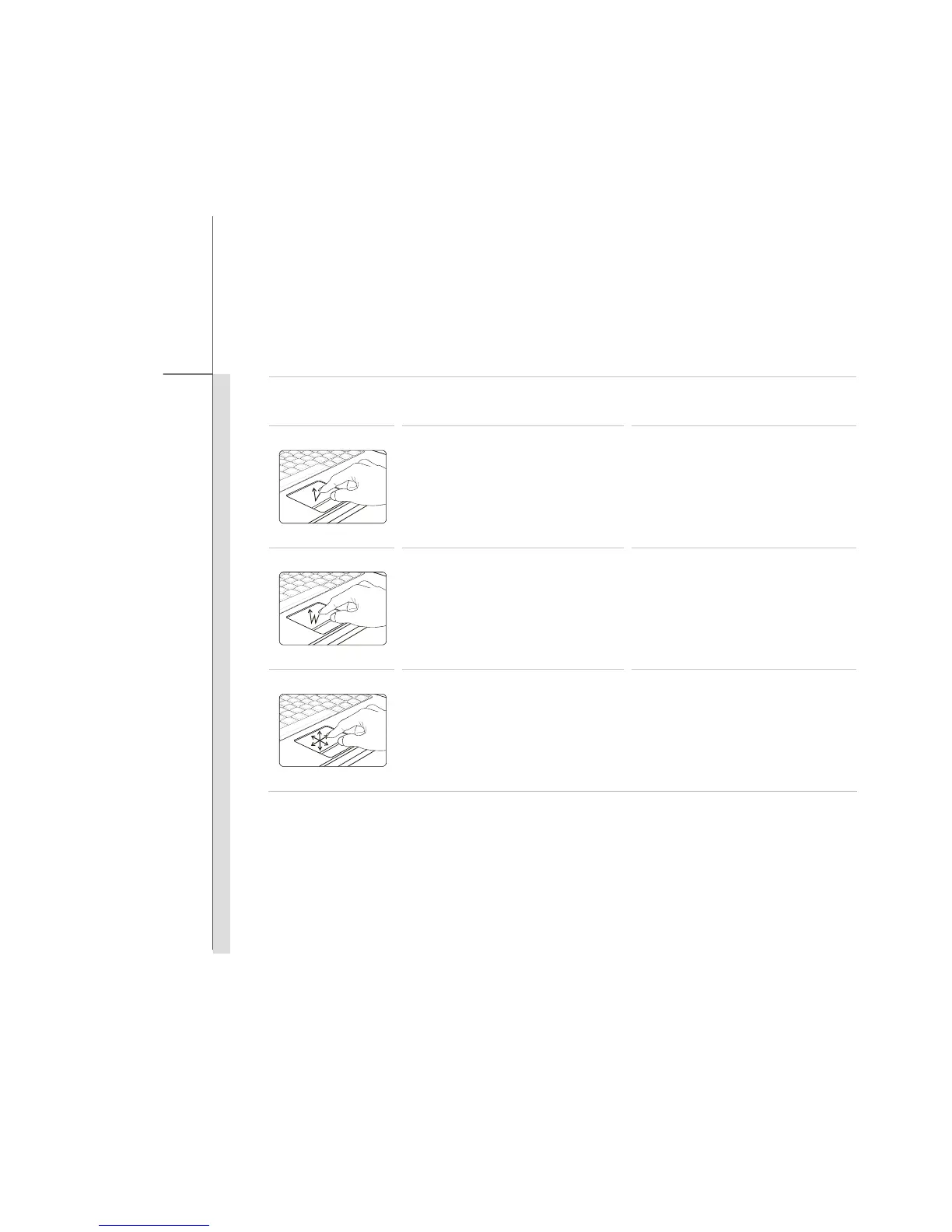
Gestures Actions Functions
Taping the touchpad once with
one finger.
Single clicking the Left button
of the mouse.
Double taping the touchpad
with one finger.
Double clicking the Left button
of the mouse.
Touch the touchpad with single
finger and move around your
finger on the touchpad.
Cursor moving.


 To Next Page