3-26
Getting Started
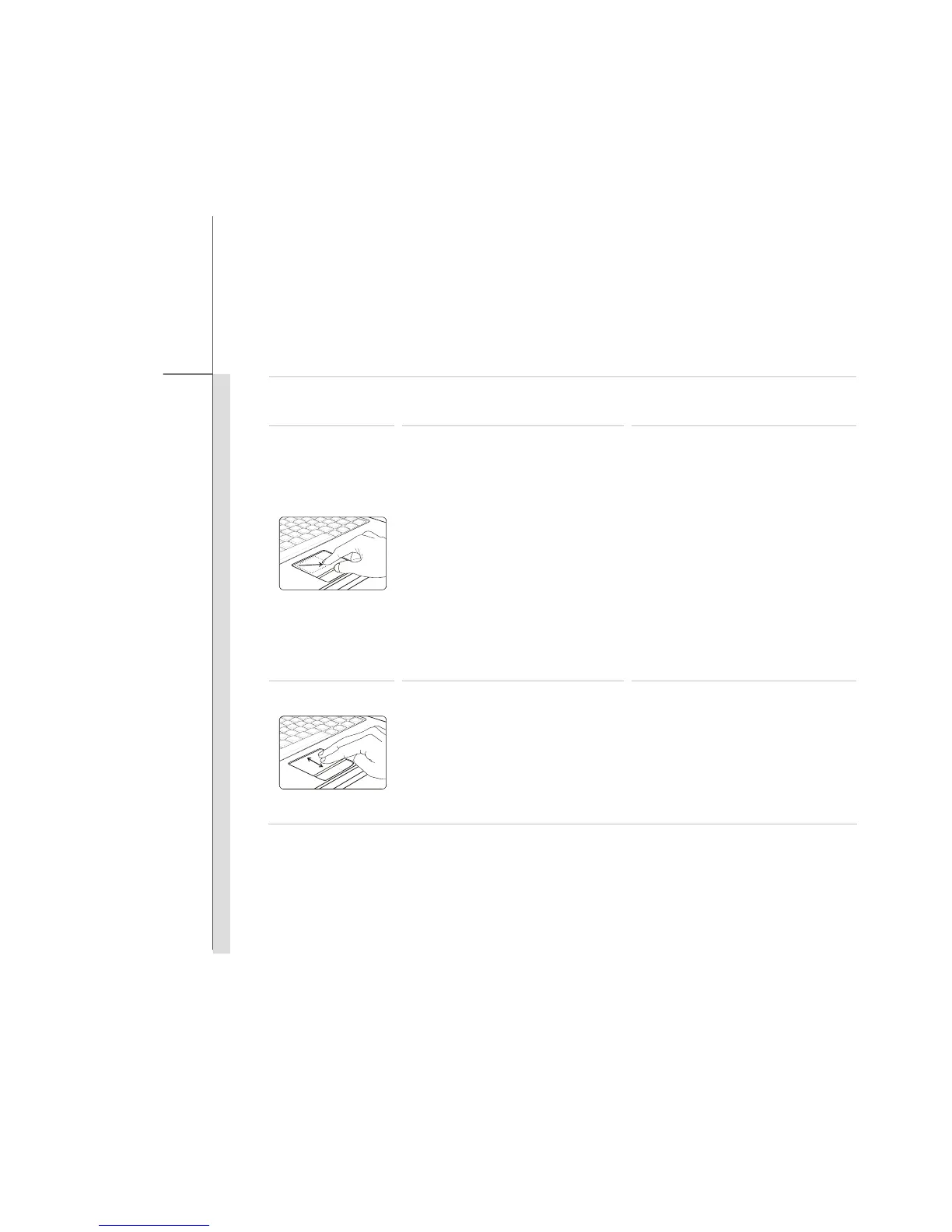
Gestures Actions Functions
Move the cursor to a particular
object with single finger.
Select the object by tap the
touchpad once
Double tap the selected object
with single finger, and remain
your finger on the touchpad.
Move your finger to drag the
selected object
Dragging an object.
Touch the touchpad with two
fingers and remain the fingers
on the touchpad.
Move the two fingers on the
touchpad vertically.
Scrolling a page vertically.



 To Next Page