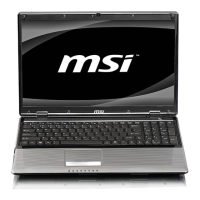
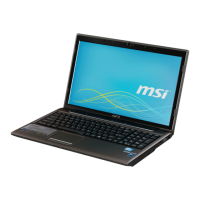
CX61/CR61 (MS-16GB)Disassembly Guide
9、 LCD MODULE ASSY
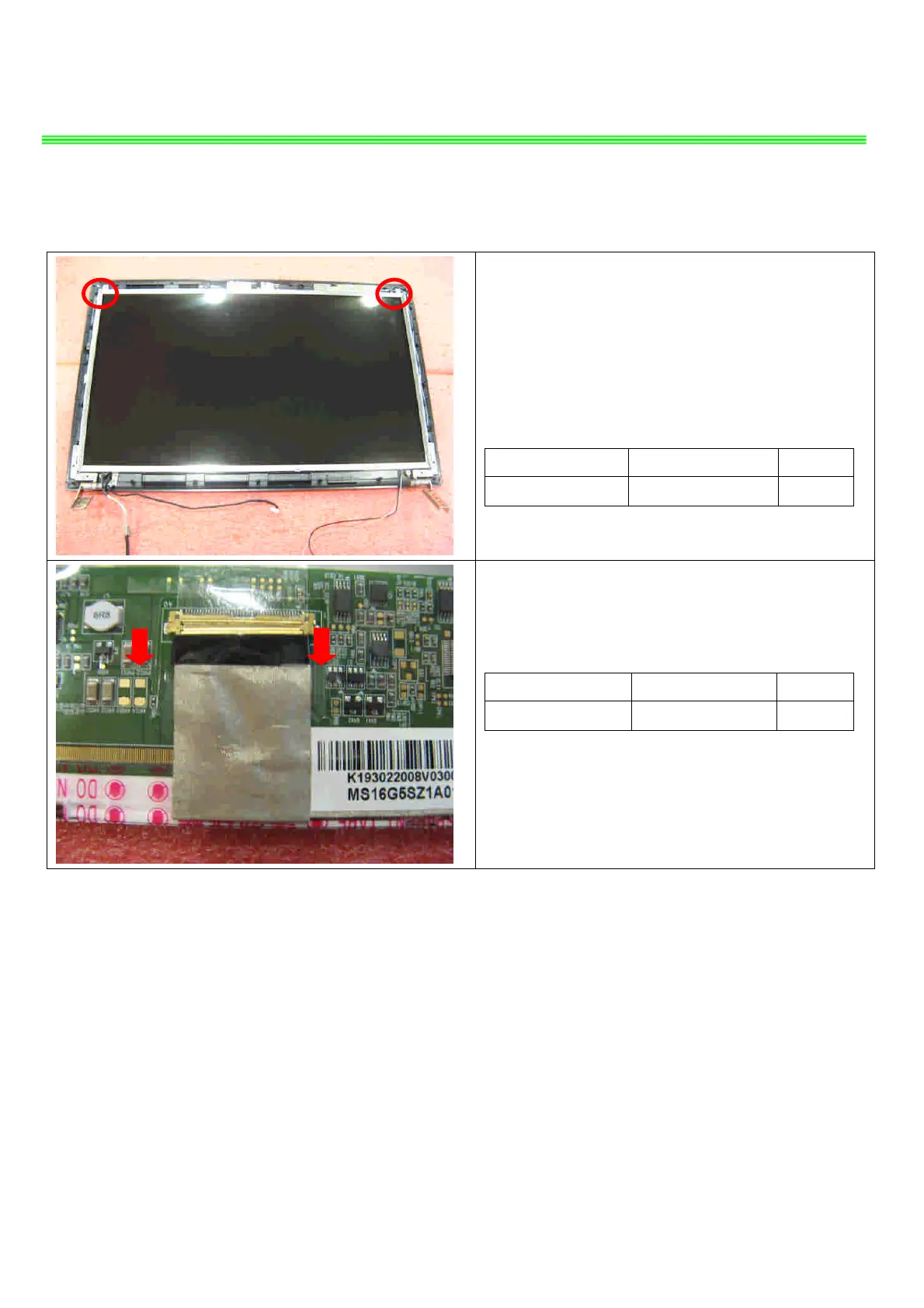
9.6 : Remove the 2 screws (M2.5*4mm), then
remove the camera cable and remove the
display module from LCD cover.
Attention: the screw driver torque is 3.0-3.5Kgf-cm
Component P/N Qty
Screw E43-1254001-G68 2
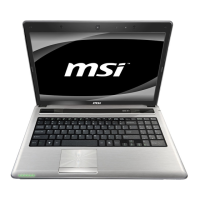
9.7:Remove the LVDS cable from display module
Component P/N Qty
LVDS Cable K19-3022008-V03 1


 To Next Page