BIOS Setup
3-19
AMD Cool’n’Quiet
The Cool’n’Quiet technology can effectively and dynamically lower CPU speed and
power consumption.
Adjust CPU FSB Frequency (MHz)
This item allows you to set the CPU FSB frequency (in MHz).
Adjust CPU Ratio
This item allows you to set the CPU ratio.
Adjusted CPU Frequency (MHz)
It shows the adjusted CPU frequency (FSB x Ratio). Read only.
Important
To ensure that Cool’n’Quiet function is ac-
tivated and will be working properly, it is
required to double confirm that:
1.Run BIOS Setup, and select Cell Menu.
Under Cell Menu, find AMD
Cool’n’Quiet, and set this item to
“Enabled.”
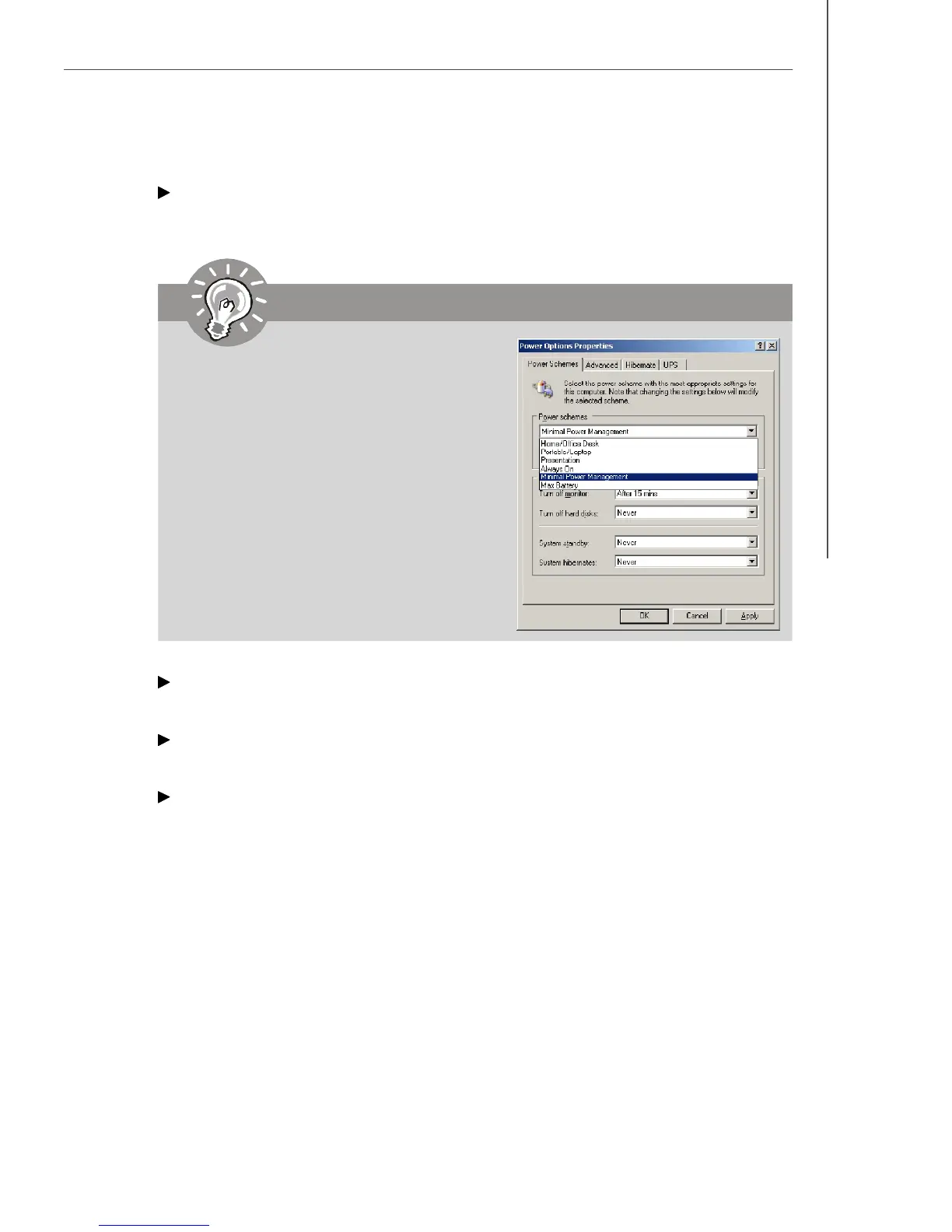
2.Enter Windows, and select [Start]->
[Settings]->[Control Panel]->[Power
Options]. Enter Power Options Prop-
erties tag, and select Minimal Power
Management under Power schemes.




 To Next Page