MS-7514 Mainboard
C-4
(1) Create RAID Volume
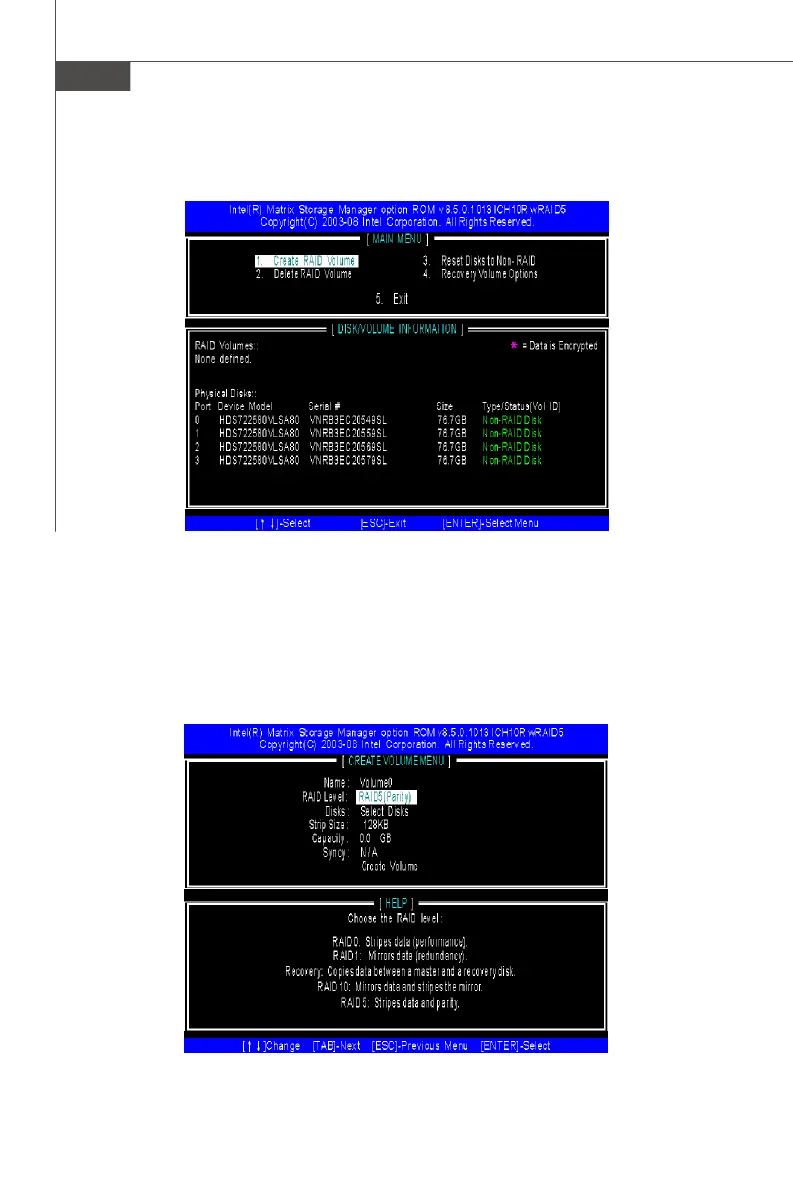
1. Select option 1 “Create RAID Volume” and press <Enter> key. The following
screen appears. Then in the Name field, specify a RAID Volume name and
then press the <TAB> or <Enter> key to go to the next field.
2. Use the arrow keys to select the RAID level best suited to your usage model
in RAID Level.
After pressing the <Ctrl> and <I> keys simultaneously, the following window will
appear:



 To Next Page