En-15
English
ESATA Port
The ESATA (External SATA) port is for attaching the ESATA hard drive.
USB 3.0 Port
USB 3.0 port is backward-compatible with USB 2.0 devices. Supports data transfer rate
up to 5 Gbit/s (SuperSpeed).
Important
If you want to use a USB 3.0 device, you must use the USB 3.0 cable to connect to
the USB 3.0 port.
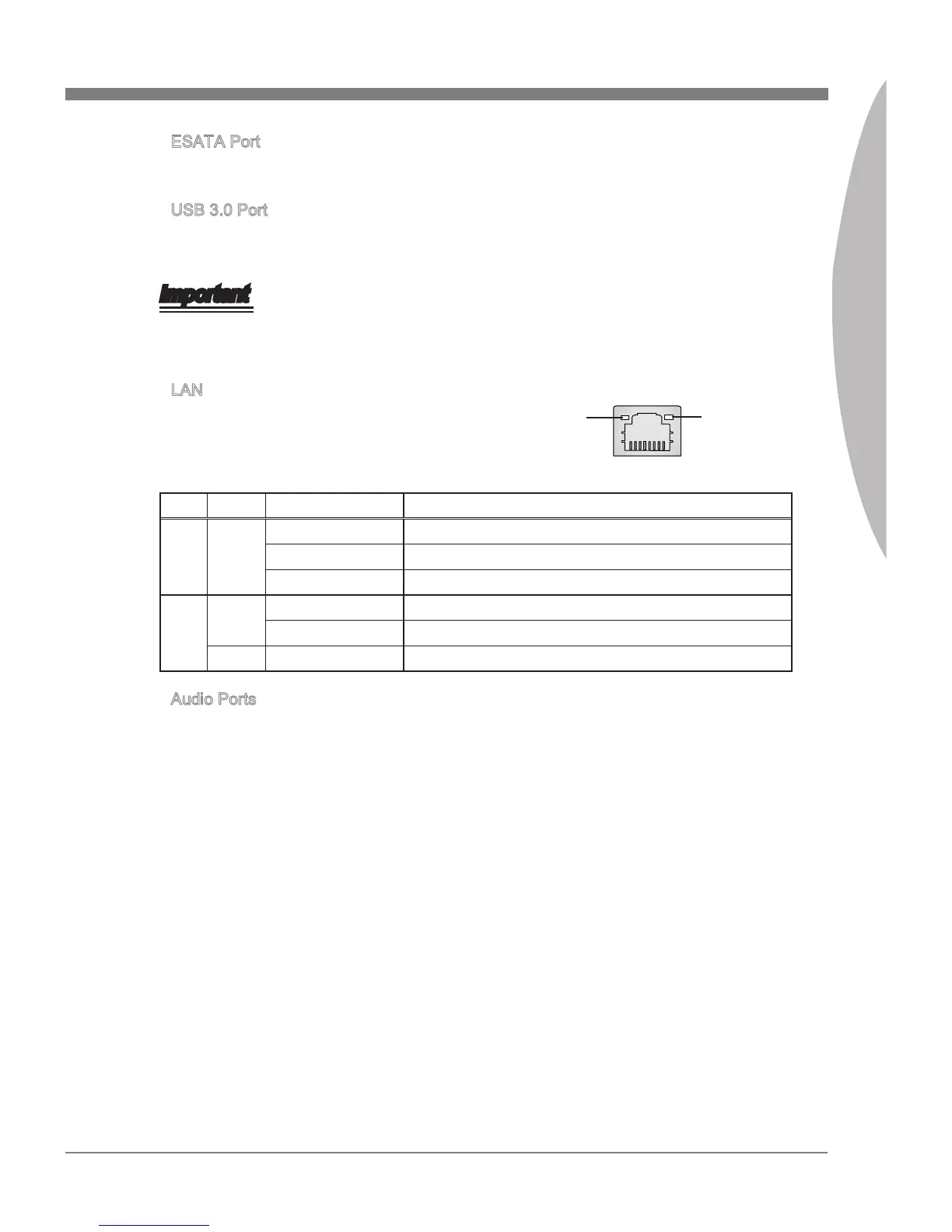
LAN
The standard RJ-45 LAN jack is for connection to
the Local Area Network (LAN). You can connect a
network cable to it.
LED Color LED State Condition
Left Yellow O LAN link is not established.
On(Steady state) LAN link is established.
On(brighter & pulsing) The computer is communicating with another computer on the LAN.
Right Green O 10 Mbit/sec data rate is selected.
On 100 Mbit/sec data rate is selected.
Orange On 1000 Mbit/sec data rate is selected.
Audio Ports
These audio connectors are used for audio devices. It is easy to dierentiate between
audio eects according to the color of audio jacks.
Line-In (Blue) - Line In, is used for external CD player, tape-player or other
audio devices.
Line-Out (Green) - Line Out, is a connector for speakers or headphones.
Mic (Pink) - Mic, is a connector for microphones.
RS-Out (Black) - Rear-Surround Out in 4/ 5.1/ 7.1 channel mode.
CS-Out (Orange) - Center/ Subwoofer Out in 5.1/ 7.1 channel mode.
SS-Out (Gray) - Side-Surround Out 7.1 channel mode.
▶
▶
▶
▶
■
■
■
■
■
■
Yellow Green/ Orange



 To Next Page