En-20
MS-7596 Manboard
▍
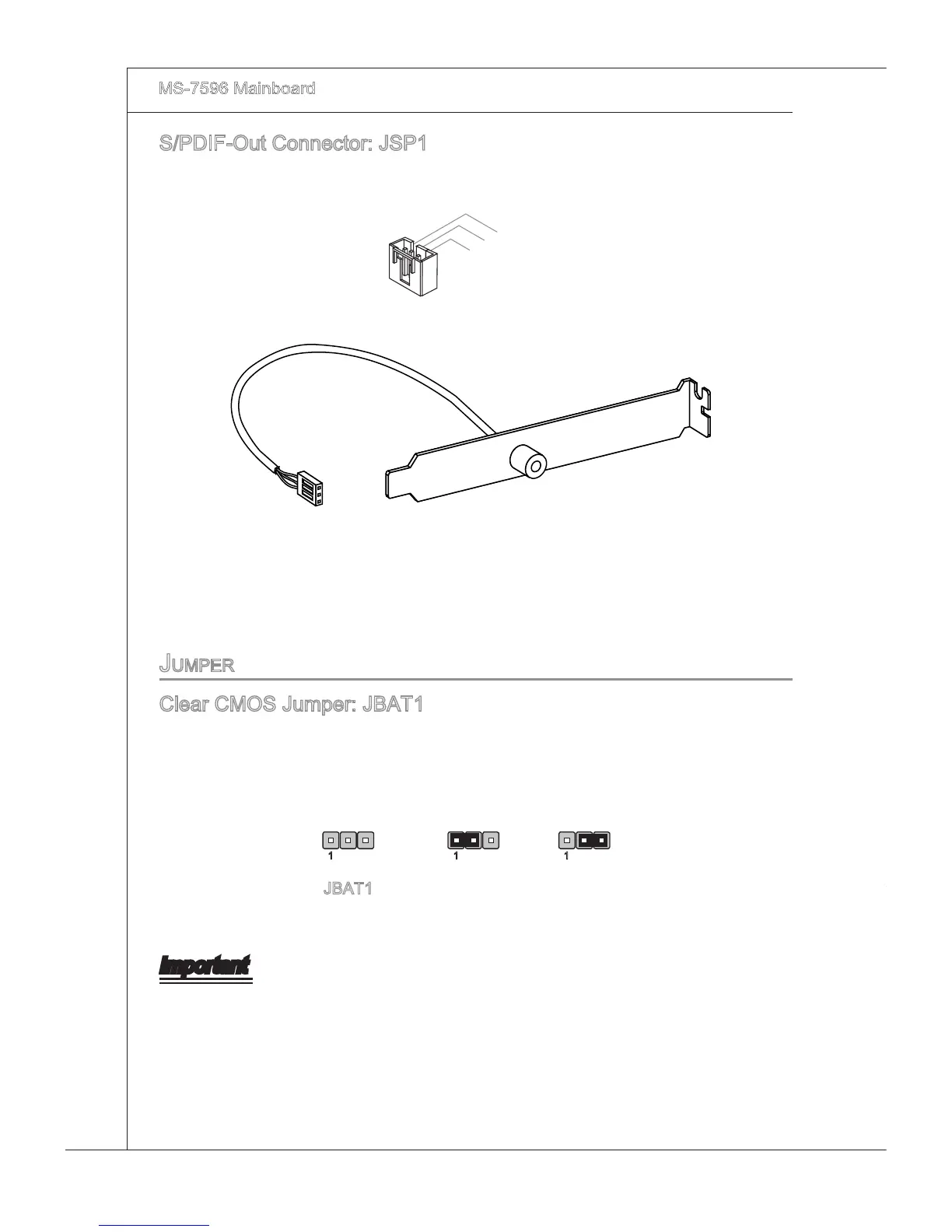
S/PDIF-Out Connector: JSP1
Ths connector s used to connect S/PDIF (Sony & Phlps Dgtal Interconnect Format)
nterface for dgtal audo transmsson.
S/PDIF Bracket (Optonal)
JuMper
Clear CMOS Jumper: JBAT1
There s a CMOS RAM onboard that has a power supply from an external battery to
keep the data of system conguraton. Wth the CMOS RAM, the system can automat-
cally boot OS every tme t s turned on. If you want to clear the system conguraton,
set the jumper to clear data.
JBAT1 Keep Data Clear Data
1 11
Important
You can clear CMOS by shortng 2-3 pn whle the system s o. Then return to 1-2
pn poston. Avod clearng the CMOS whle the system s on; t wll damage the man-
board.



 To Next Page