En-31
Englsh
CPU Technology Support
Press <Enter> to enter the sub-menu. Ths sub-menu shows the technologes that
the nstalled CPU supported.
AMD Cool’n’Quet
The Cool’n’Quet technology can eectvely and dynamcally lower CPU speed and
power consumpton.
Important
To ensure that Cool’n’Quet functon s actvated and
wll be workng properly, t s requred to double con-
rm that:
Run BIOS Setup, and select Cell Menu. Under Cell
Menu, nd AMD Cool’n’Quet, and set ths tem to
“Enabled”.
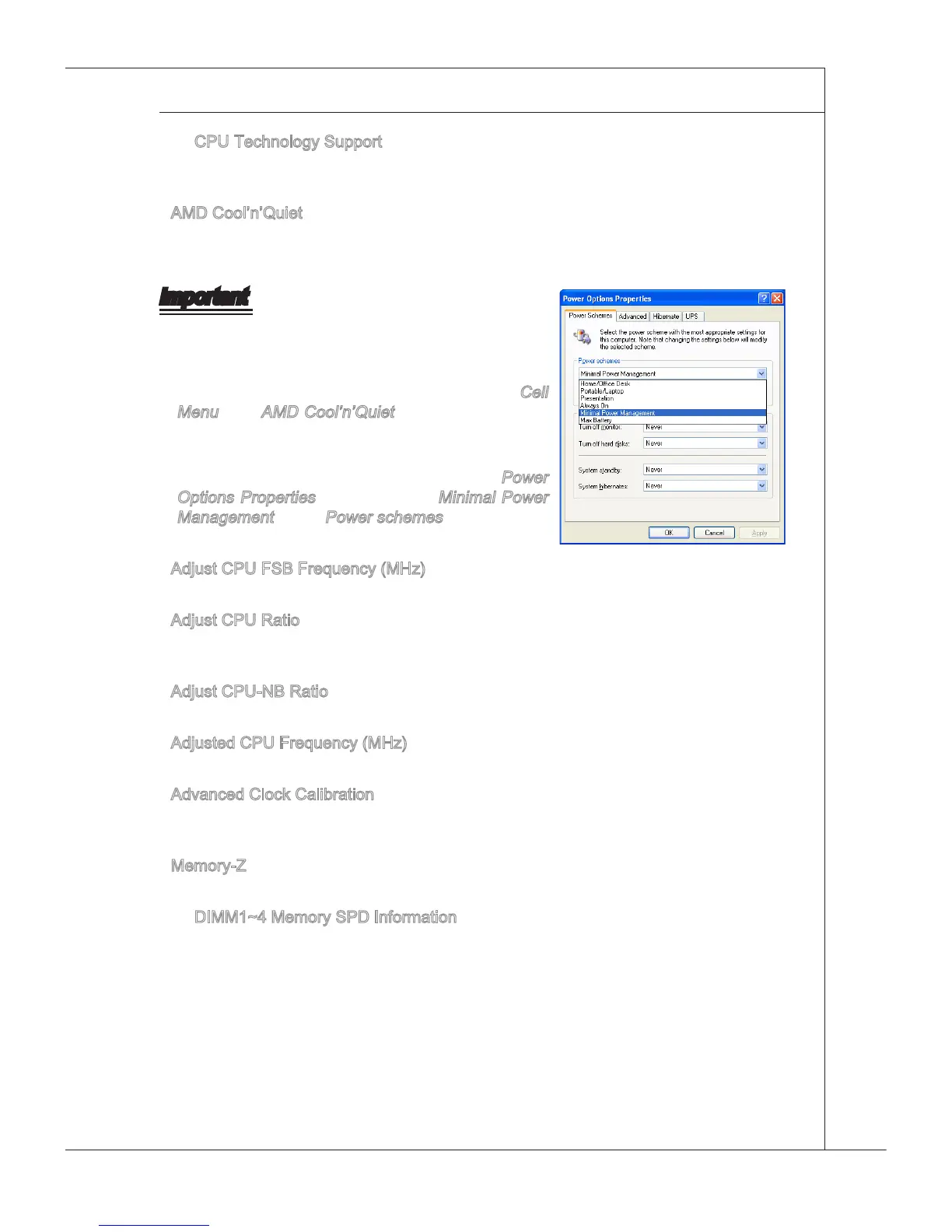
Enter Wndows, and select [Start]->[Settngs]-
>[Control Panel]->[Power Optons]. Enter
Power
Optons Propertes tag, and select Mnmal Power
Management under Power schemes.
Adjust CPU FSB Frequency (MHz)
Ths tem allows you to select the CPU Front Sde Bus clock frequency (n MHz).
Adjust CPU Rato
Ths tem s used to adjust CPU clock multpler (rato). It s avalable only when the
processor supports ths functon.
Adjust CPU-NB Rato
Ths tem s used to adjust CPU-NB rato.
Adjusted CPU Frequency (MHz)
It shows the adjusted CPU frequency. Read-only.
Advanced Clock Calbraton
Ths tem s for overclock. Settng to [Enabled] allows you to set the CPU Rato hgher.
It s avalable only when the processor supports ths functon.
Memory-Z
Press <Enter> to enter the sub-menu.
DIMM1~4 Memory SPD Informaton
Press <Enter> to enter the sub-menu. Ths sub-menu dsplays the nformaton of
nstalled memory.
▶
▶
•
•
▶
▶
▶
▶
▶
▶
▶



 To Next Page