1-18
Gettng Started
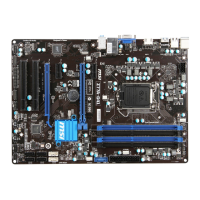
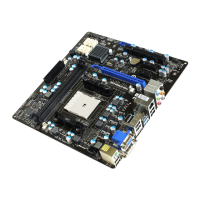
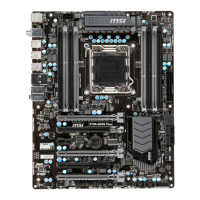
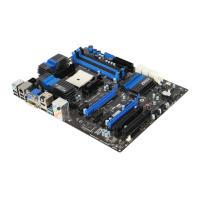
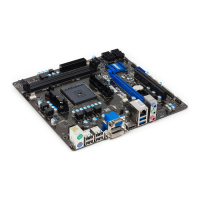
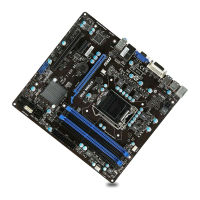
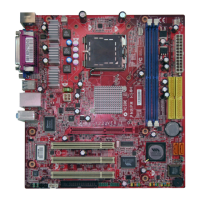
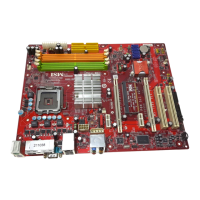
Expanson Slots
Ths manboard contans numerous ports for expanson cards, such as dscrete graphcs
or audo cards.
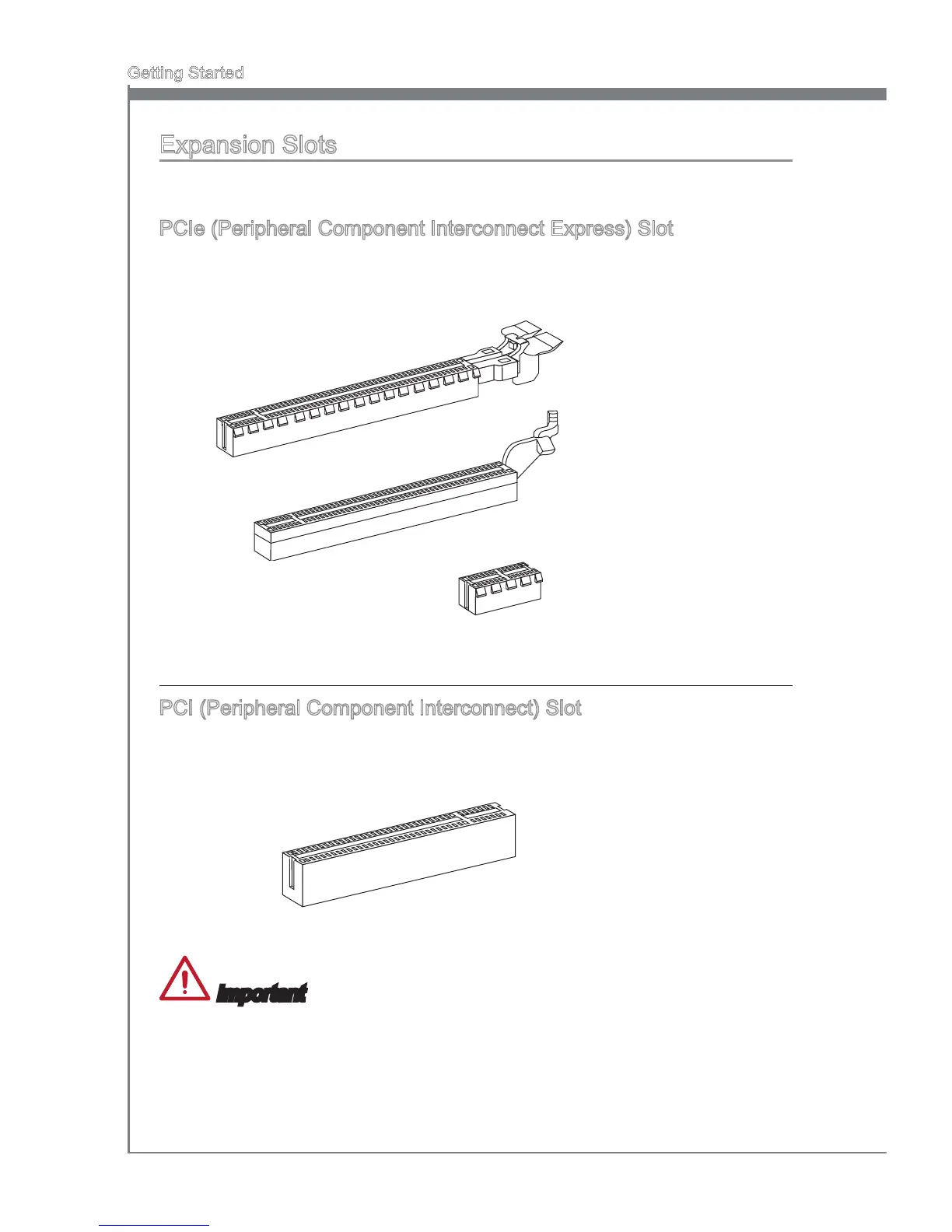
PCIe (Perpheral Component Interconnect Express) Slot
The PCIe slot supports the PCIe nterface expanson card.
PCIe 2.0 x16 Slot
PCIe 2.0 x1 Slot
PCIe 3.0 x16 Slot
PCI (Perpheral Component Interconnect) Slot
The PCI slot supports addtonal LAN, SCSI, USB, and other add-on cards that comply
wth PCI speccatons.
32-bt PCI Slot
Important
When addng or removng expanson cards, always turn off the power supply and
unplug the power supply power cable from the power outlet. Read the expanson card’s
documentaton to check for any necessary addtonal hardware or software changes.


 To Next Page
 Loading...