2-3
MS-7758
Chapter 2
System nformaton
Ths block shows the tme, date, CPU name, CPU frequency, DRAM frequency, DRAM
capacty and the BIOS verson.
BIOS menu selecton
The followng optons are avalable:
SETTINGS - Use ths menu to specfy your settngs for chpset features and
boot devces.
OC - Ths menu contans tems of the frequency and voltage adjustments. In-
creasng the frequency can get better performance, however hgh frequency
and heat can cause nstablty, we do not recommend general users to over-
clock.
ECO - Ths menu s related to energy-savng settngs.
BROWSER - Ths feature s used to enter the MSI Wnk web browser.
UTILITIES - Ths menu contans utltes for backup and update.
SECURITY - The securty menu s used to keep unauthorzed people from mak-
ng any changes to the settngs. You can use these securty features to protect
your system.
Boot devce prorty bar
You can move the devce cons to change the boot prorty.
Boot menu
Ths button s used to open a boot menu. Clck the tem to boot the system from the
devce nstantly.
Mode selecton
Ths feature allows you to load presets of energy savng or overclockng.
Menu dsplay
Ths area provdes BIOS settngs and nformaton to be congured.
Language
Ths allows you to select the language of the BIOS settng.
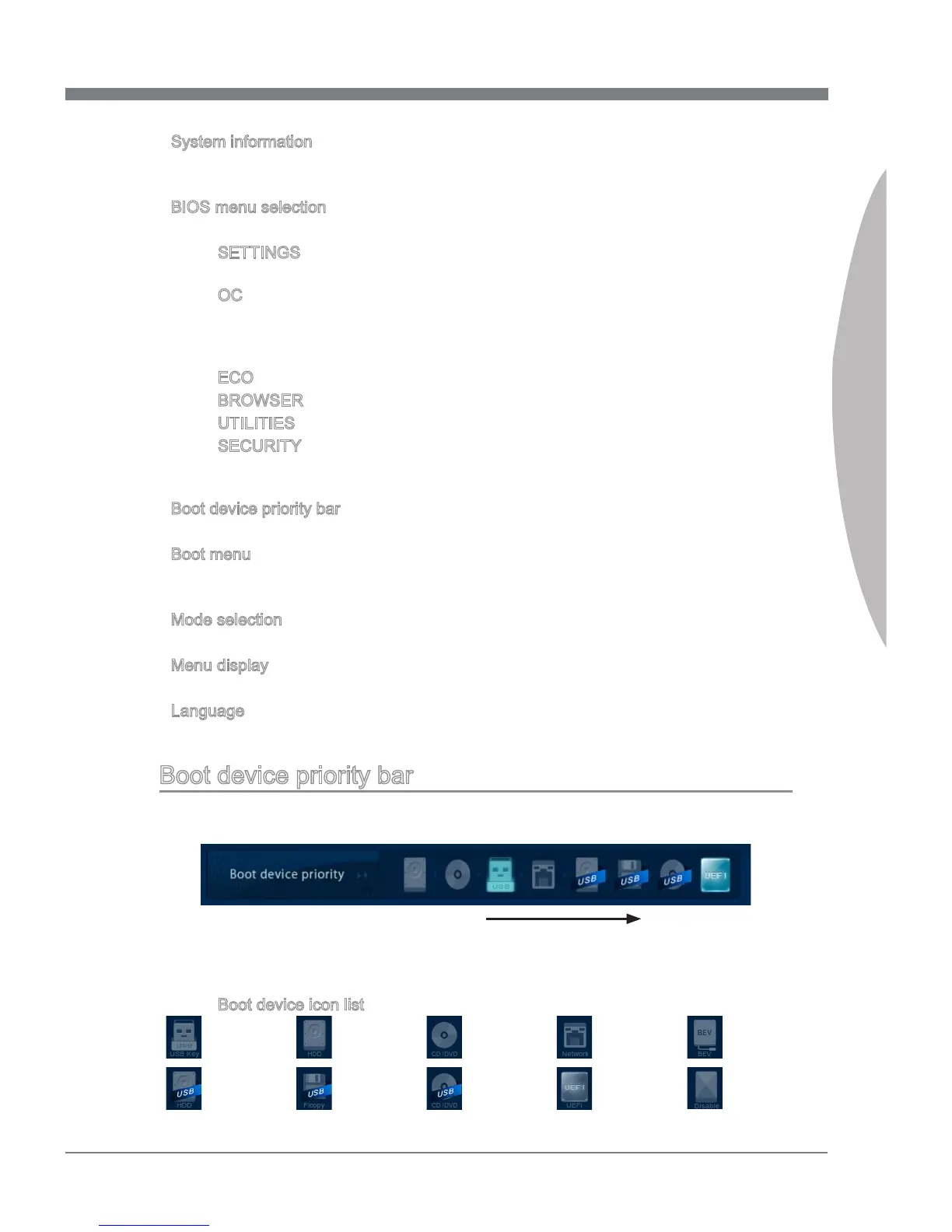
Boot devce prorty bar
Ths bar shows the prorty of the boot devces. The lghted cons ndcate that the de-
vces are avalable.
Hgh prorty Low prorty
Clck and draw the con to left or rght to specfy the boot prorty.
Boot devce con lst
Optcal
dsk
UEFI
USB optcal
drve
USB hard
dsk drve
USB
oppy
USB Drve
Hard dsk
drve
LAN
Dsable
BEV
▶
▶
■
■
■
■
■
■
▶
▶
▶
▶
▶
■


 To Next Page
 Loading...