2-4
BIOS Setup
Operaton
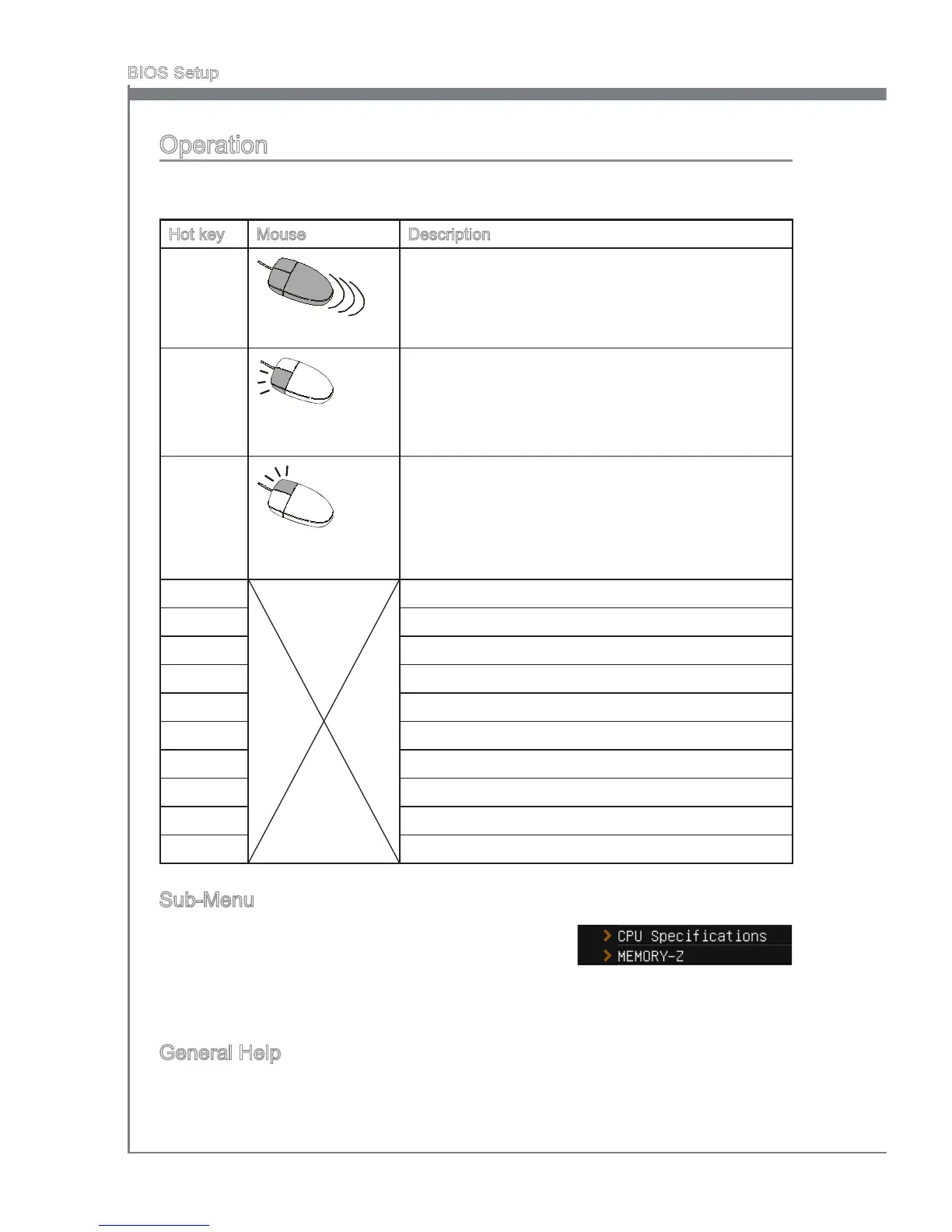
CLICK BIOS II allows you to control BIOS settngs wth the mouse and the keyboard.
The followng table lsts and descrbes the hot keys and the mouse operatons.
Hot key Mouse Descrpton
<↑↓→← >
Move the cursor
Select Item
<Enter>
Clck/ Double-clck
the left button
Select Icon/ Feld
<Esc>
Clck the rght
button
Jump to the Ext menu or return to the prevous from
a submenu
<+> Increase the numerc value or make changes
<-> Decrease the numerc value or make changes
<F1> General Help
<F4> CPU Speccatons
<F5> Enter Memory-Z
<F6> Load optmzed defaults
<F8> OC Prole Load From USB drve
<F9> OC Prole Save to USB drve
<F10> Save Change and Reset
<F12> Save a screenshot to a FAT/FAT32 USB drve
Sub-Menu
If you nd a pont symbol to the left of certan elds, that
means a sub-menu can be launched for addtonal op-
tons. You can use the arrow keys or mouse to hghlght
the eld and press <Enter> or double-clck the left mouse button to enter the sub-menu.
If you want to return to the prevous menu, just press <Esc> or clck the rght mouse
button.
General Help
The General Help screen lsts the approprate keys to use for navgaton. You can call
up ths screen from any menu by smply pressng <F1>. Press <Esc> to ext the Help
screen.


 To Next Page
 Loading...