En-19
Englsh
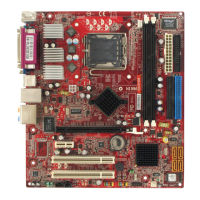
JUSB1~3: USB 2.0 Expanson Connector
Ths connector s desgned for connectng hgh-speed USB perpherals such as USB
HDDs, dgtal cameras, MP3 players, prnters, modems, and many others.
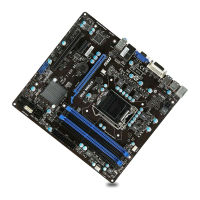
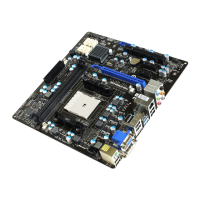
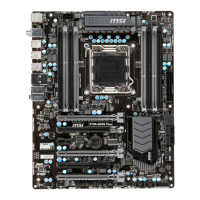
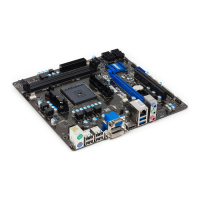
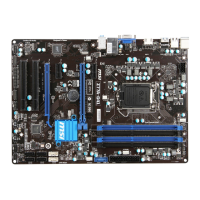
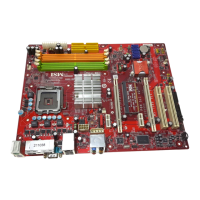
* The MB layout n ths gure s for reference only.
USB 2.0 Bracket (optonal)
The JUSB1 (red mark) connector supports MSI’s new SuperCharger technology
whch provdes qucker USB chargng of your cellular phone or other USB-powered
devces. To enable ths feature, please nstall the MSI SuperCharger applcaton on
your computer. When the SuperCharger applcaton s turned on, the JUSB1 connector
wll convert data channels to extra power channels to quckly charge your connected
devce. Please note that when the SuperCharger applcaton s turned on, data
transmsson and synchronzaton over the JUSB1 connector wll not functon. To enable
the JUSB1 connector to functon as a normal USB 2.0 connector, please turn o the
SuperCharger applcaton. When the computer s n stand-by or hbernaton mode (S3/
S4/ S5) SuperCharger mode wll automatcally be enabled.
Important
Note that the VCC and GND pns must be connected correctly to avod possble
damage.
Please only connect one devce per USB port to ensure stable chargng.
SuperCharger Technology s only avalable on select MSI manboard models. Please
refer to the MSI webste to check f your manboard has SuperCharger technology.
For Pad, JUSB1
(red mark) can stll charge Pad n S3, S4, S5 state.
We recommend that don’t dsconnect the devce when you charge t n S1 state.
•
•
•
•
•


 To Next Page