2-9
MS-7798
Chapter 2
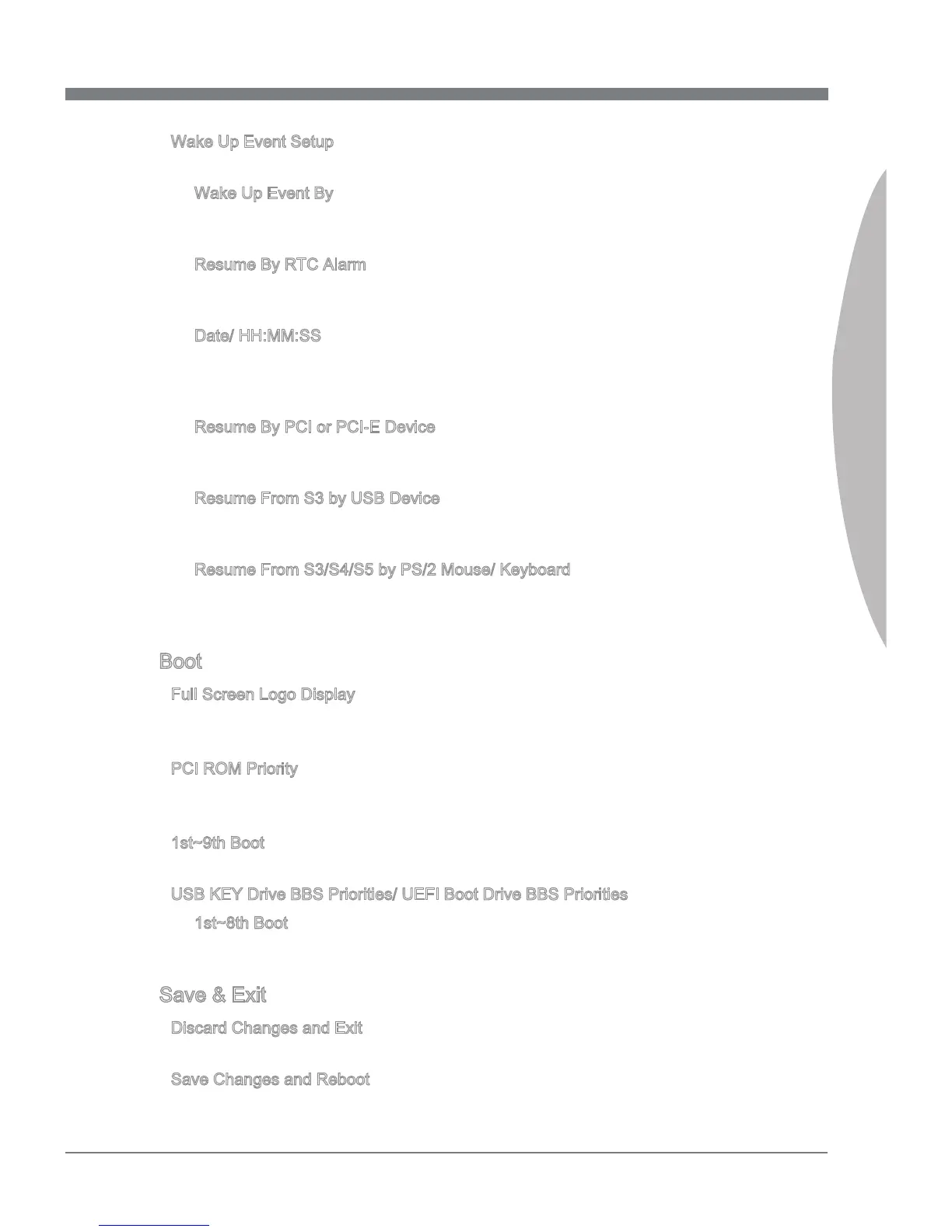
Wake Up Event Setup
Press <Enter> to enter the sub-menu.
Wake Up Event By
Settng to [BIOS] actvates the followng elds, and use the followng elds to set the
wake up events. Settng to [OS], the wake up events wll be dened by OS.
Resume By RTC Alarm
The eld s used to enable or dsable the feature of bootng up the system on a
scheduled tme/date.
Date/ HH:MM:SS
If Resume By RTC Alarm s set to [Enabled], the system wll automatcally resume
(boot up) on a specc date/hour/mnute/second speced n these elds (usng the
<+> and <-> to select the date & tme settngs).
Resume By PCI or PCI-E Devce
When set to [Enabled], the feature allows your system to be awakened from the
power savng modes through any event on PCI/ PCIe devce.
Resume From S3 by USB Devce
The tem allows the actvty of the USB devce to wake up the system from S3 (Sus
-
pend to RAM) sleep state.
Resume From S3/S4/S5 by PS/2 Mouse/ Keyboard
These tems determne whether the system wll be awakened from what power sav
-
ng modes when nput sgnal of the PS/2 mouse/ keyboard s detected.
Boot
Full Screen Logo Dsplay
[Enabled] The OS boots straght to the GUI wthout showng the POST screen,
[Dsabled] Shows the POST messages at boot.
PCI ROM Prorty
Ths tem allows you to specfy what PCI Opton ROM to launch.
== Boot Opton Prortes==
1st~9th Boot
These tems are used to prortze the nstalled boot devces.
USB KEY Drve BBS Prortes/ UEFI Boot Drve BBS Prortes
1st~8th Boot
These tems are used to prortze the nstalled USB key drves/ UEFI boot drves.
Save & Ext
Dscard Changes and Ext
Ths t s used to abandon all changes and ext setup.
Save Changes and Reboot
Ths tem s used to save changes and reboot the system.
▶
▶
▶
▶
▶
▶
▶
▶
▶
▶
▶
▶
▶
▶


 To Next Page