2-5
OSD Setup
2-4
OSD Setup Menu
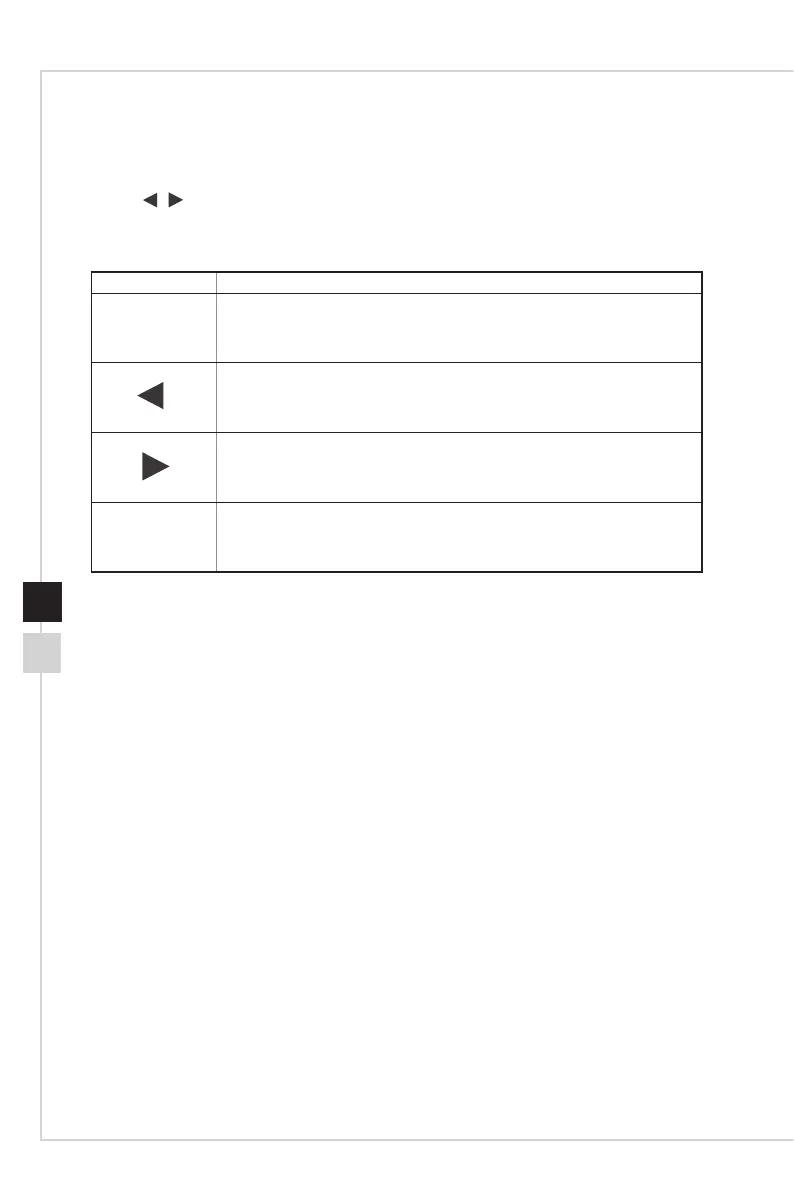
Press
button to launch the On-Screen Display (OSD) main menu� In OSD screen,
use
buttons to tune the desired function to suit your personal preferences�
These OSD keys operations are as follows�
OSD Key Basic Operations
■ Exiting the current menu
■ Selecting function menus and items
■ Allowing upward adjustment in function values
■ Selecting function menus and items
■ Allowing downward adjustment in function values
■ Entering the submenus
■ Conrming a selection or setting



 To Next Page