1-3
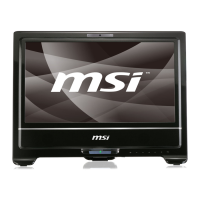
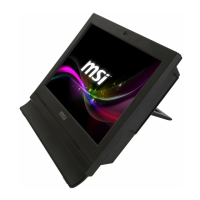
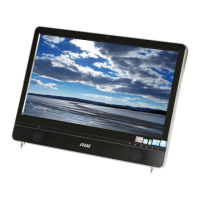
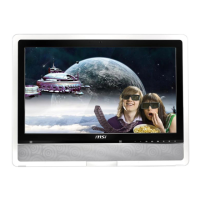
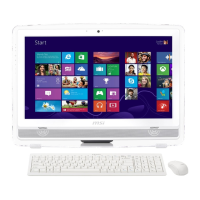
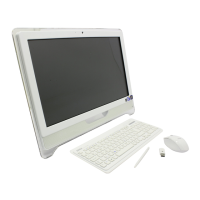
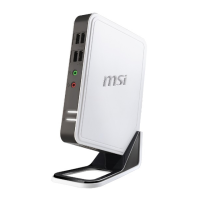
Wind Box Series
System Overview
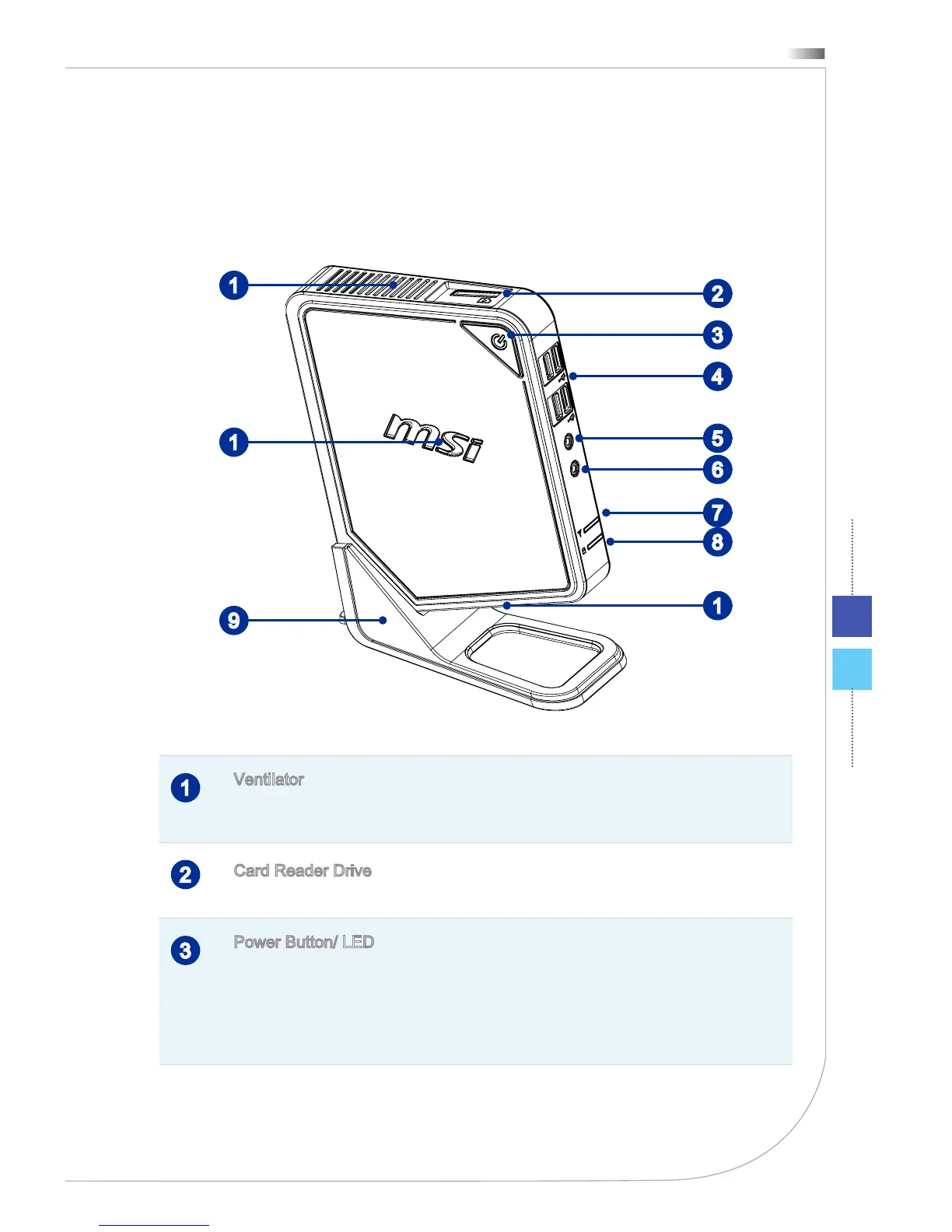
Front View
2
3
4
5
7
8
6
9
1
1
1
1
Ventilator
The ventilator on the enclosure is used for air convection and to prevent the
equipment from overheating. Do not cover the ventilator.
2
Card Reader Drive
The built-in card reader may support various types of memory cards.
3
Power Button/ LED
Press the power button to turn the system on and o. The power LED glows
when the system is turned on and goes o when the system is shut down.
In terms of power saving, the LED blinks in S3 (Suspend to RAM) mode and
goes o in S4 (Suspend to Disk) mode. Pressing the system power button
will wake the system up from power saving mode.
Packing Contents
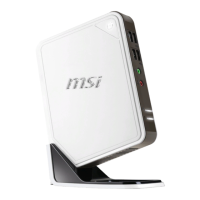
Wind Box Series AC/DC Adapter AC Power Cord
Driver/ Utility Disk
User Manual
& Quick Guide
Stand
* Please contact us immediately if any of the items is damaged or missing.
* The illustrations are for reference only and your packing contents may slightly vary
depending on the model you purchased.



 To Next Page