3-7
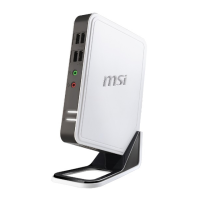
Wind Box Series
7. On completion of the disc creation, click [Close] to exit and take out the disc.
Follow the on-screen instructions to create all recovery discs.
8. All recovery discs have been successfully created. Please store the discs
carefully and click [Next] to continue.
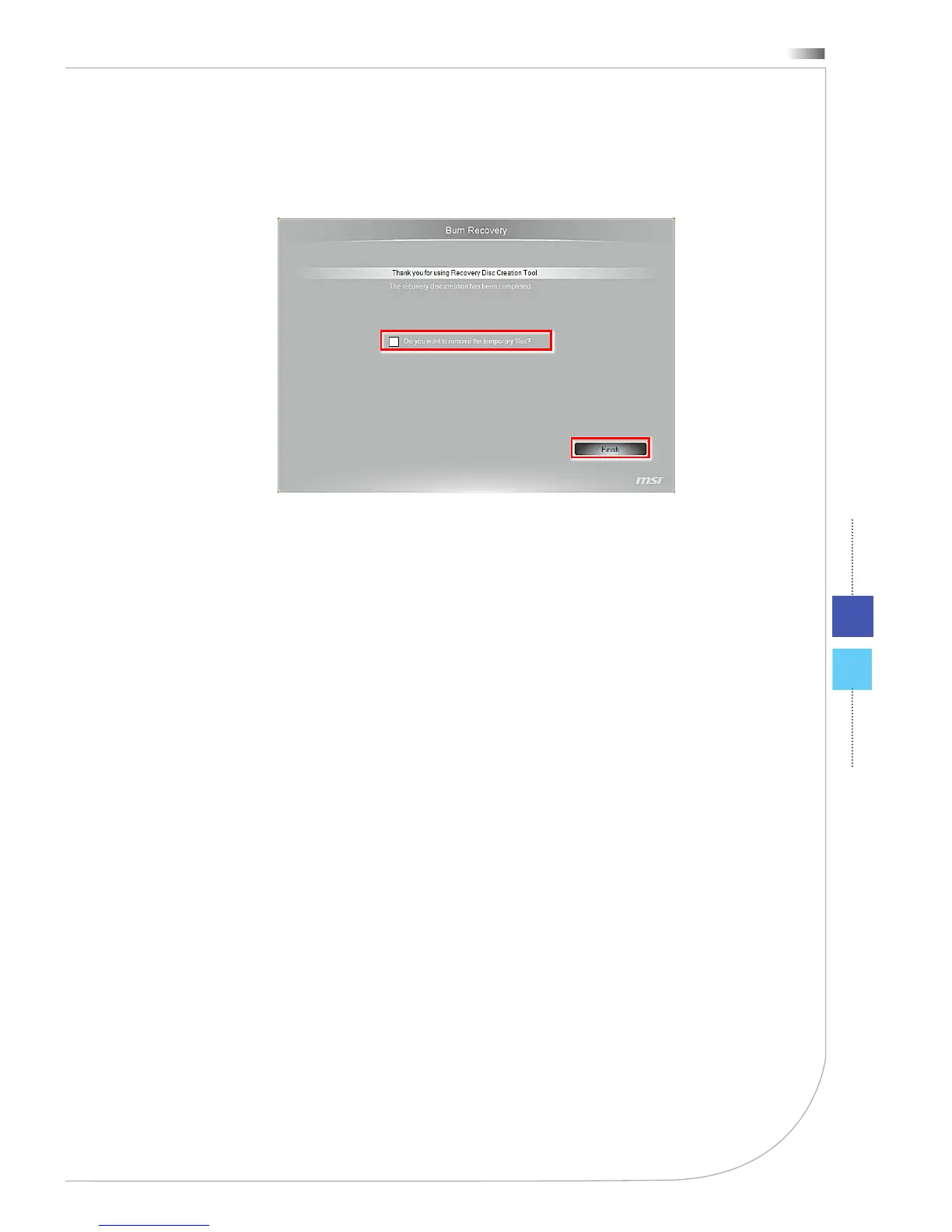
9. Check the following box if you want to remove the temporary les. Click [Fin-
ish] to complete recovery disc creation.



 To Next Page