OPERATING AND MAINTENANCE MANUAL
Chapter 7 - Electronic control unit
TAEevo Tech MINI 02÷10
22
The data in this manual are not binding and they can be modified by the manufacturer without notice. Reproduction of this manual is strictly prohibited
ENGLISH
EN
7.3 Switching the unit on/off
The unit is switched on and off:
• from the keypad
• from the digital input (remote ON/OFF)
In the event of a power supply blackout, when the power is restored the unit will restart operation in its pre-blackout status.
7.3.1 Switch-on from the keypad
Power up the unit.
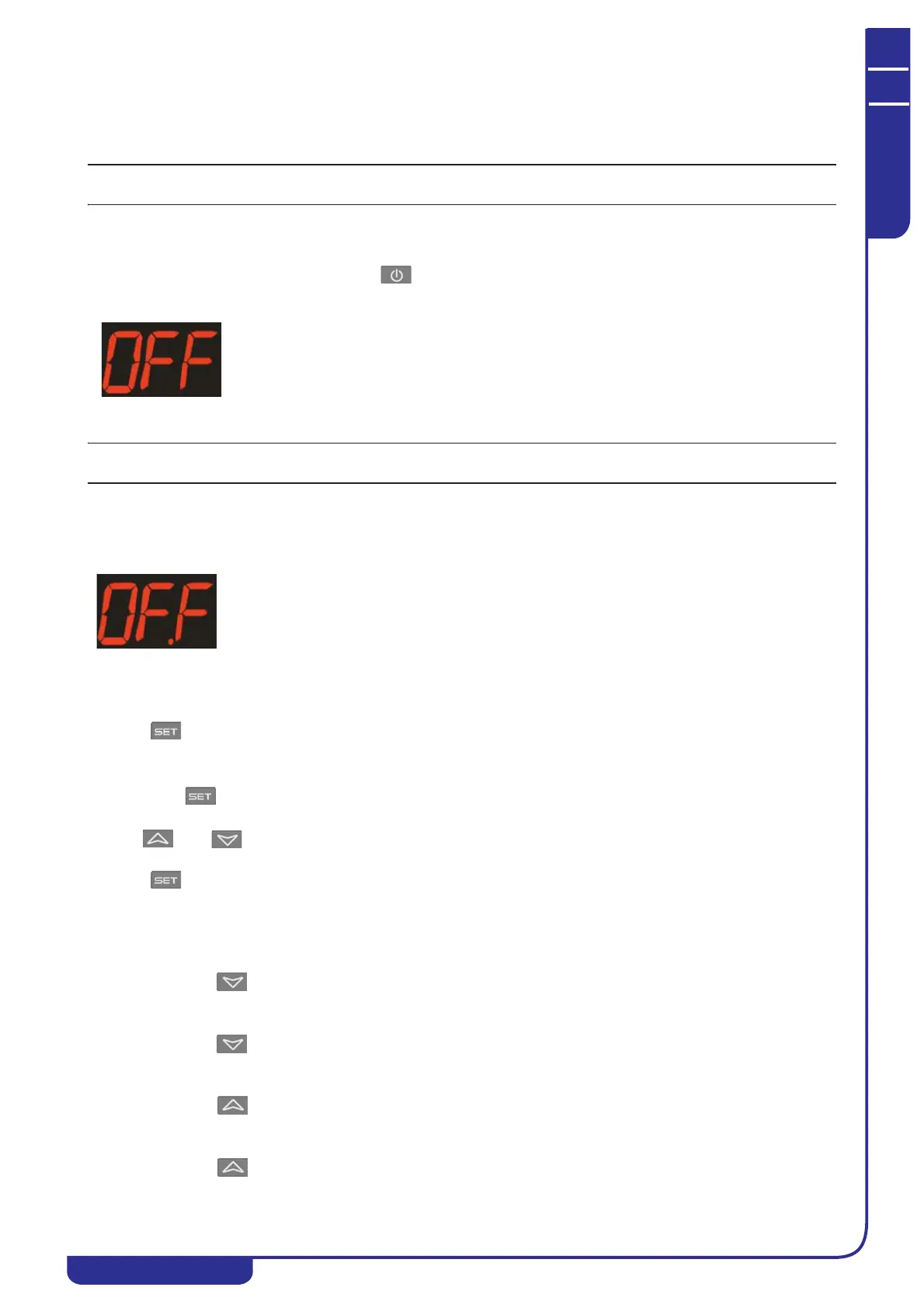
With the unit in standby (OFF) mode press the key. If the unit is on, the display shows the regulator probe value.
If the unit is in standby mode, the display shows
.
7.3.2 Switch-on from digital input
Refer to the wiring diagram for connection of the digital input.
Power up the unit by closing the digital input contact; the unit switches on; it switches to standby (OFF) if it is opened.
The off command (from keypad or digital input) always overrides the on command. If the unit is switched off from the
keypad, it must be switched back on from the keypad.
When the unit is switched off using the digital input, the display shows
..
7.4 Setpoint
7.4.1 Displaying the setpoint
Press the key to display the setpoint.
7.4.2 Modifying the setpoint
Hold down the key for 3 seconds to activate modification.
Use the and keys to edit the value.
Press the key to confirm or wait for the time-out.
7.5 Maximum and minimum temperature
The maximum and minimum temperature reached by the regulator probe can be displayed.
Minimum temperature:
1. Press the key.
2. The screen shows “Lo” and the minimum temperature reached.
3. Press the key to return to the current temperature.
Maximum temperature:
1. Press the key.
2. The screen shows “Hi” and the maximum temperature reached.
3. Press the key to return to the current temperature.




 To Next Page