OPERATING AND MAINTENANCE MANUAL
Chapter 7 - Electronic control unit
TAEevo Tech MINI 02÷10
23
The data in this manual are not binding and they can be modified by the manufacturer without notice. Reproduction of this manual is strictly prohibited
EN
ENGLISH
To delete the maximum or minimum temperature:
With the minimum or maximum temperature displayed, hold the button down for a few seconds to clear the value.
“rSt” flashes on the screen and the current temperature value is recorded.
7.6 Modifying the value of a parameter
To edit parameter values:
1. Access programming mode by holding down keys + for 3 s (the °C LED flashes).
2. Use the and keys to select the parameter required.
3. Press the key to edit the value (value and °C LED flash).
4. Edit it with the and keys.
5. Press to save the new value and move on to the next parameter.
To quit:
Press + with a parameter displayed or wait 15s.
The new value is saved even if the user quits the menu without pressing the key.
7.7 Keypad lock
Hold down the and keys for a few seconds to lock/unlock the keypad. The screen shows “Pof” while the
keypad is locked and “Pon” while it is unlocked.
Only display of the setpoint and maximum and minimum temperatures is possible with the keypad locked.
7.8 Pump
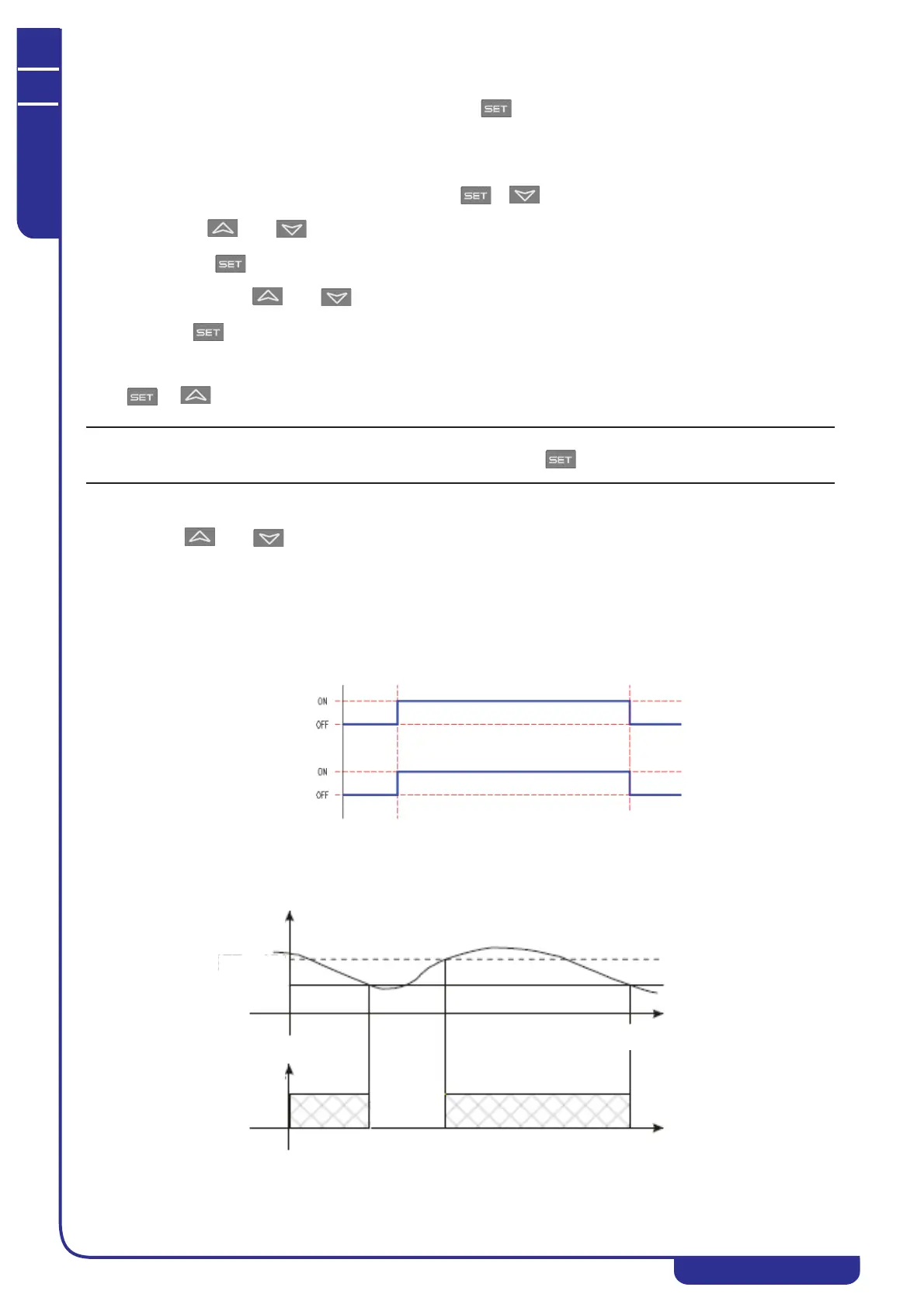
The water pump follows the status of the unit; the pump is on with the unit on and off with the unit off.
No chiller alarm detected by the ECU cuts out the pump.
7.9 Compressor control
The compressor is activated to maintain the temperature set by the setpoint.
If the control temperature is higher than SET+HY, the compressor is on; if it is below SET, the compressor is shut down.
Unit
Pump
Temper.
Time
Compr.
ON
SET + HY
SET




 To Next Page