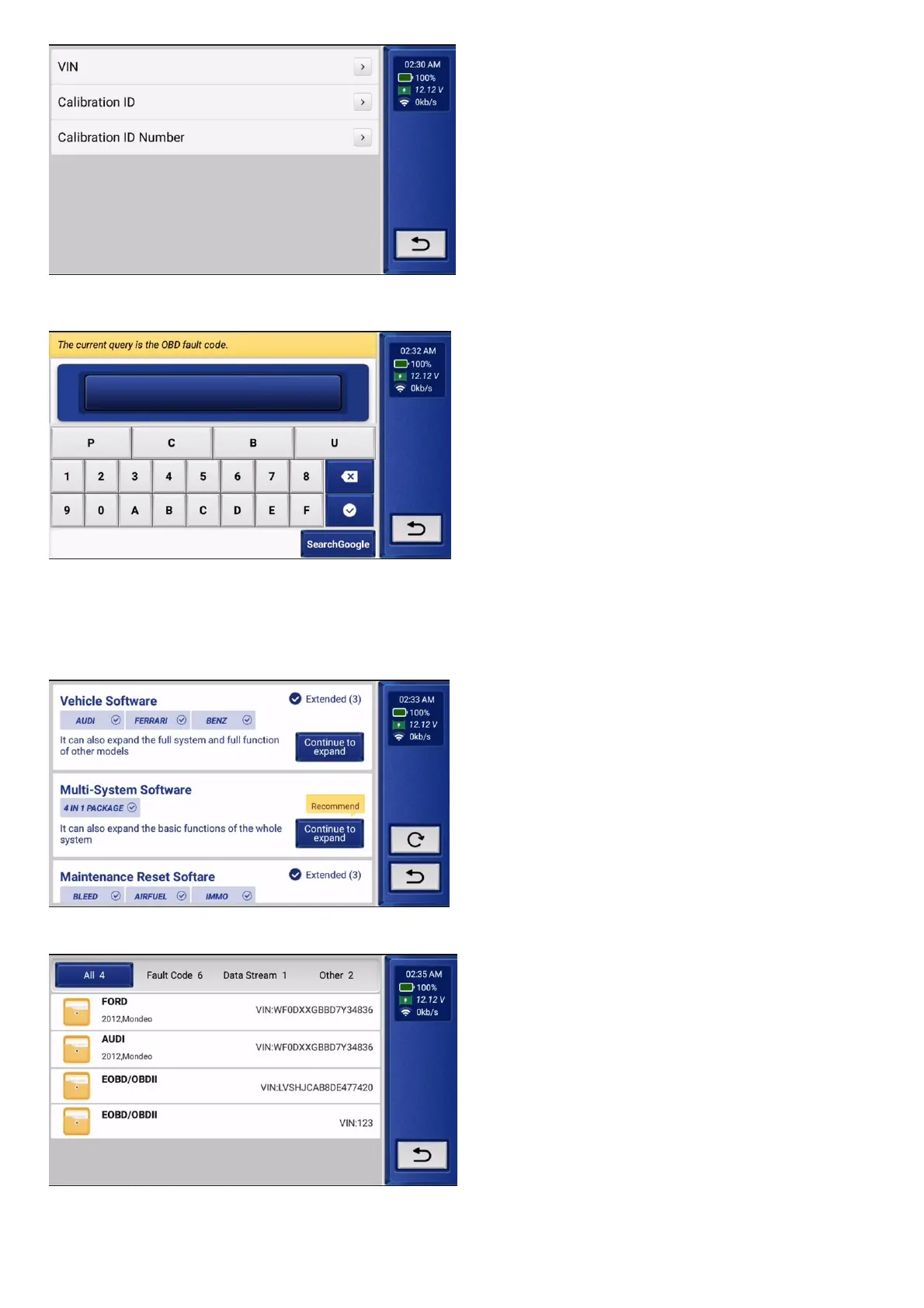
Tip:This information may include: VIN (Vehicle Identification Number), CID (Calibration ID), CVN (Calibration ID Number).
4.6.10 Select "DTC Lookup" to query fault code analysis.
4.6.11 Select "Expand" to expand the 28 reset functions and related model software:
4 in 1 package: (ECM/TCM/ABS/SRS), it has Autosearch automatic diagnosis function, related diagnosis demonstration, engine related exhaust function and car model diagnosis
function.
Full system: Enhance diagnostic functions for all modules, such as TCM, BCM, ABS, SRS, AC, IC etc.
Basic functions: Support fault codes reading/clearing, data stream and version number reading.
Maintenance function introduction: Car maintenance refers to the regular inspection and maintenance of the car to ensure the normal operation and prolong the life of the car.
Full function: read version number, read DTC, clear DTC, read data stream, code setting, Action test action test.
4.6.12
Select "Report" and click "OK" to view the diagnostic record. Report view data flow reports, PDF documents generated by product diagnostic reports.
4.6.13 Select "Settings" to set the basic settings, there are functions such as feedback, repair info, upgrade, order, setting language, etc. Click update to upgrade models, need to expand 4 systems,
demos and auto search function modules. Click on the app to enter the app
application update, which can update the application app and the local firmware.


 To Next Page