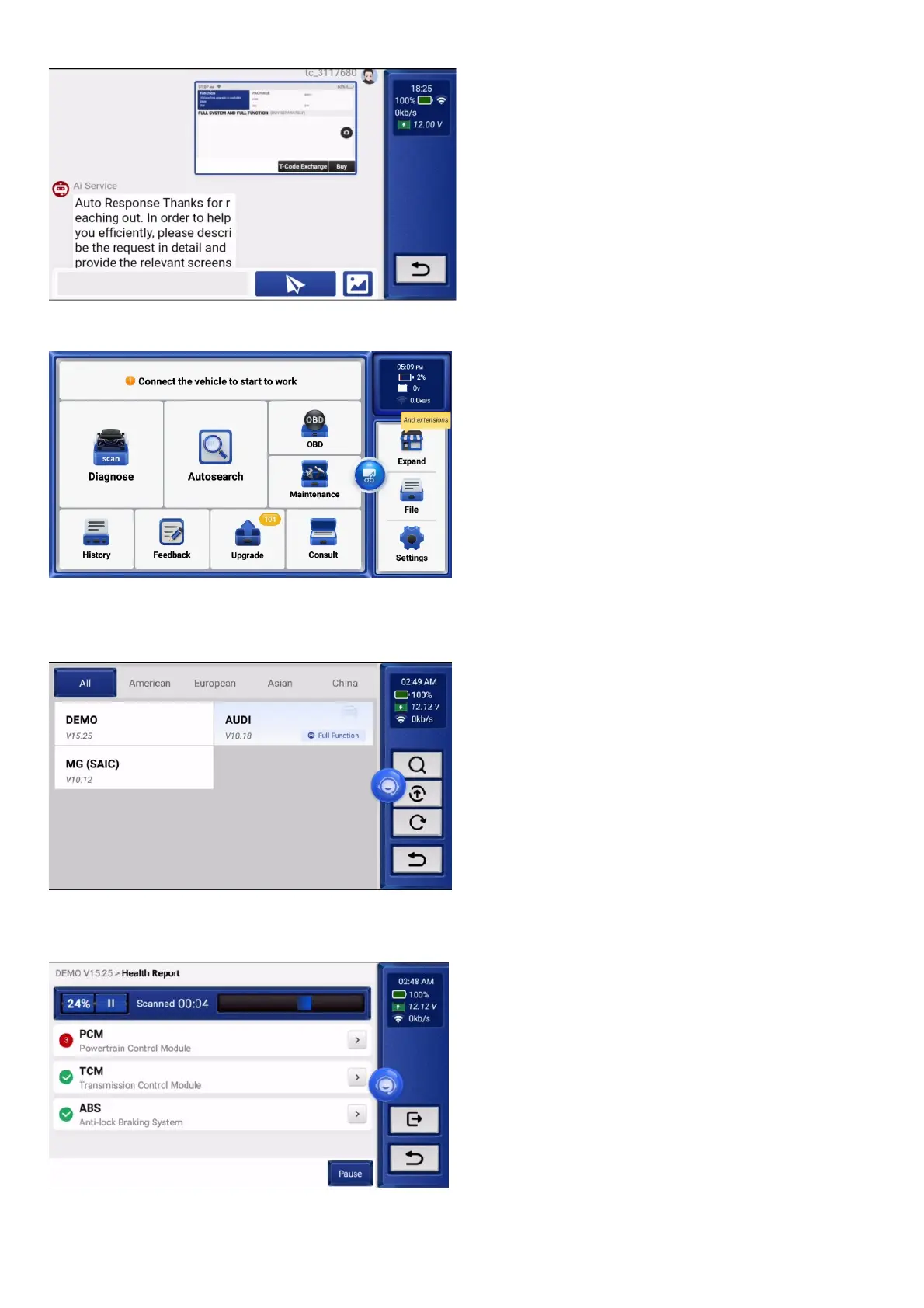
05 Customer Service
Pull down the task bar, find the customer service icon, click on it, and then online customer service will appear to answer the questions you encounter during the use of the product, giving you a better experience of using the product.
07 Extended Function Description
Tip: Please click "Expand" to purchase the following extensions.
6.1 Diagnose
The module has a demo (demonstrates the diagnostic process) and model software.
6.1.1Health Report
This function can quickly reveal the vehicle's health status.
Tap "Health Report". The system will start scanning DTCs and show the test results.
The DTC will be displayed on the screen in red font, with a specific definition.


 To Next Page