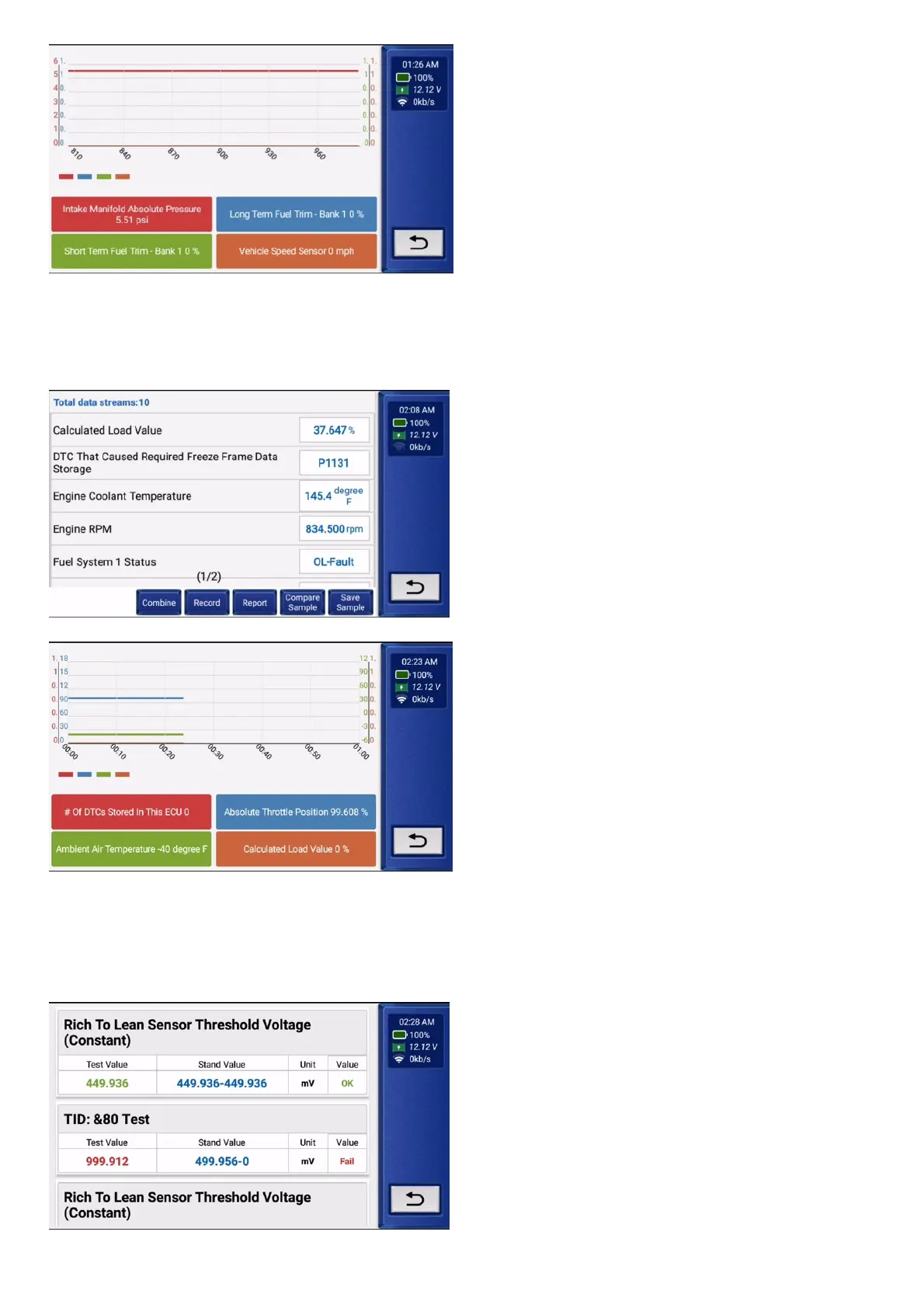
·Record: To record the diagnostic data for further analysis.
·Report: To save the number of current data streams.
·Compare Sample: Contrast data flow functions.
·Save Sample: Record the sample data stream.
4.6.4 Select "Erase" and click "YES" to clear the fault code.
4.6.5 Select "Live Data Stream" and click "OK" to view all data streams.
·Combine: The graphs can be merged for easier comparisons.
·Record: To record the diagnostic data for further analysis.
·Report: To save the number of current data streams.
·Compare Sample: Contrast data flow functions.
·Save Sample: Record the sample data stream.
4.6.6 Select "O2 Sensor Test" and click "OK" to view the O2 Sensor data flow.
4.6.7 Select "EVAP System Test" and click "OK" to view EVAP data streams.
4.6.8 Select "On Board Monitor" and click "OK" to view On Board Monitor data streams.
4.6.9 Select "Vehicle Info"function retrieves a list of information (provided by the vehicle manufacturer) from the vehicle’s on-board computer.


 To Next Page