7
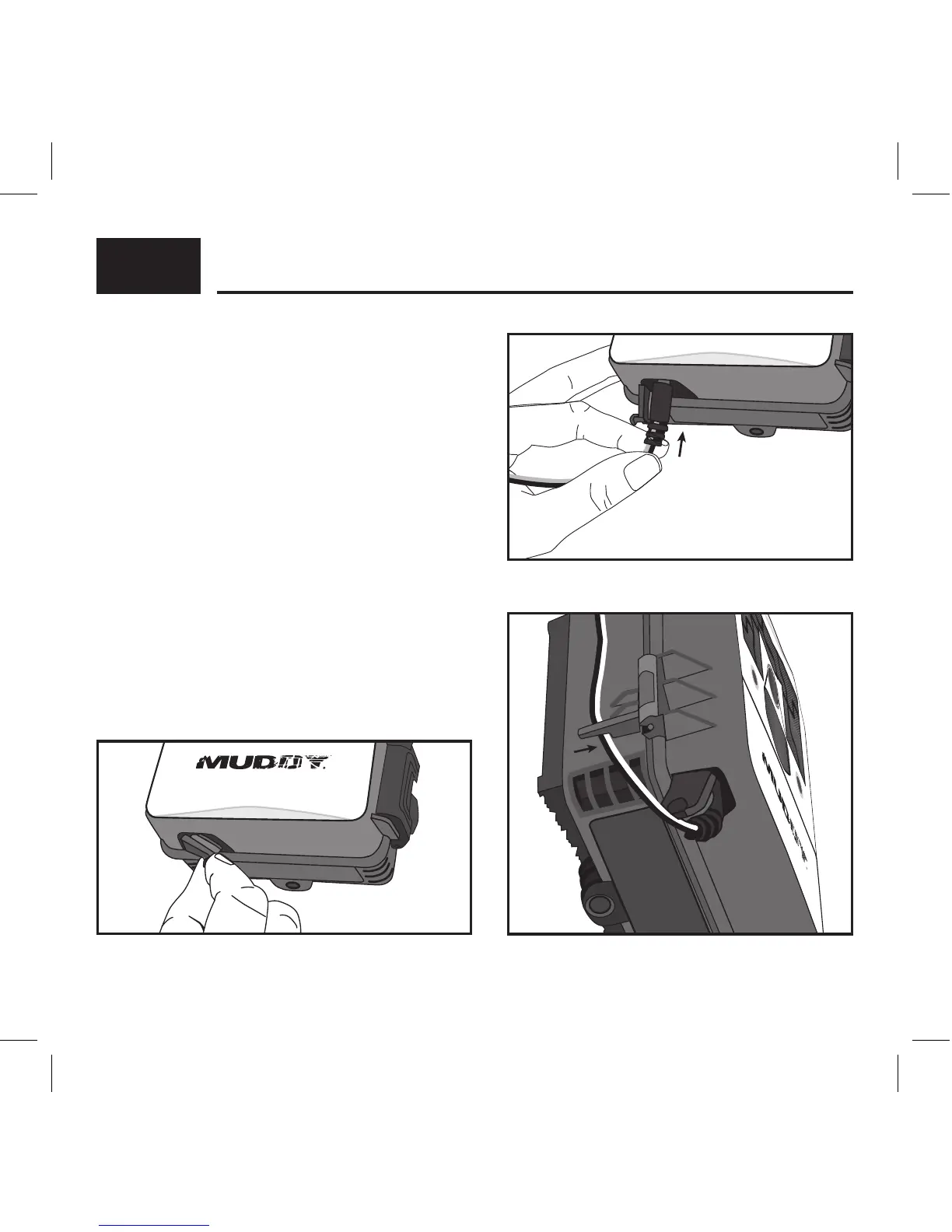
IF USING 12V DC POWER SOURCE
1. Remove the rubber port cap at the bottom
of the camera (Fig. 1). Using a universal 12V
DC cord, plug in to the bottom port option
(Fig. 2).
2. Run the cord to the side of the camera
where there is a hook provided behind the
hinge of the camera door. This will support
the power cord and take pressure o of the
connection point (Fig. 3).
3. When not in use, replace the rubber port
cap at the bottom of the camera to protect
the 12V DC universal plug-in port.
BATTERIES CONT . . .
NOTE: Make sure the camera is powered o prior to installing the batteries.
Fig. 2
Fig. 3
Fig. 1



 To Next Page