Tips:
the machine.
HELPFUL HINTS
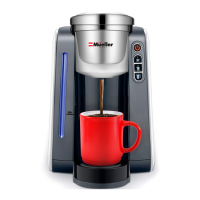
How to change default coffee volume ( 6oz- 8oz-12 oz):
a. leave the machine unplugged.
d. You can press the small cup size to set the default volume
8oz-10oz-12oz
coffee volume is programmed.
How to reset the machine.
a. leave the machine unplugged.
c. The blue light of the water level gauge will flash twice,
standing for the reset is completed.
using a K-Cup® pack.
9


 To Next Page