62
63
Off =
No support. Suitable if you do not
need support from the drive or
want to save battery capacity.
The drive is operated vi the controls on the handlebars.
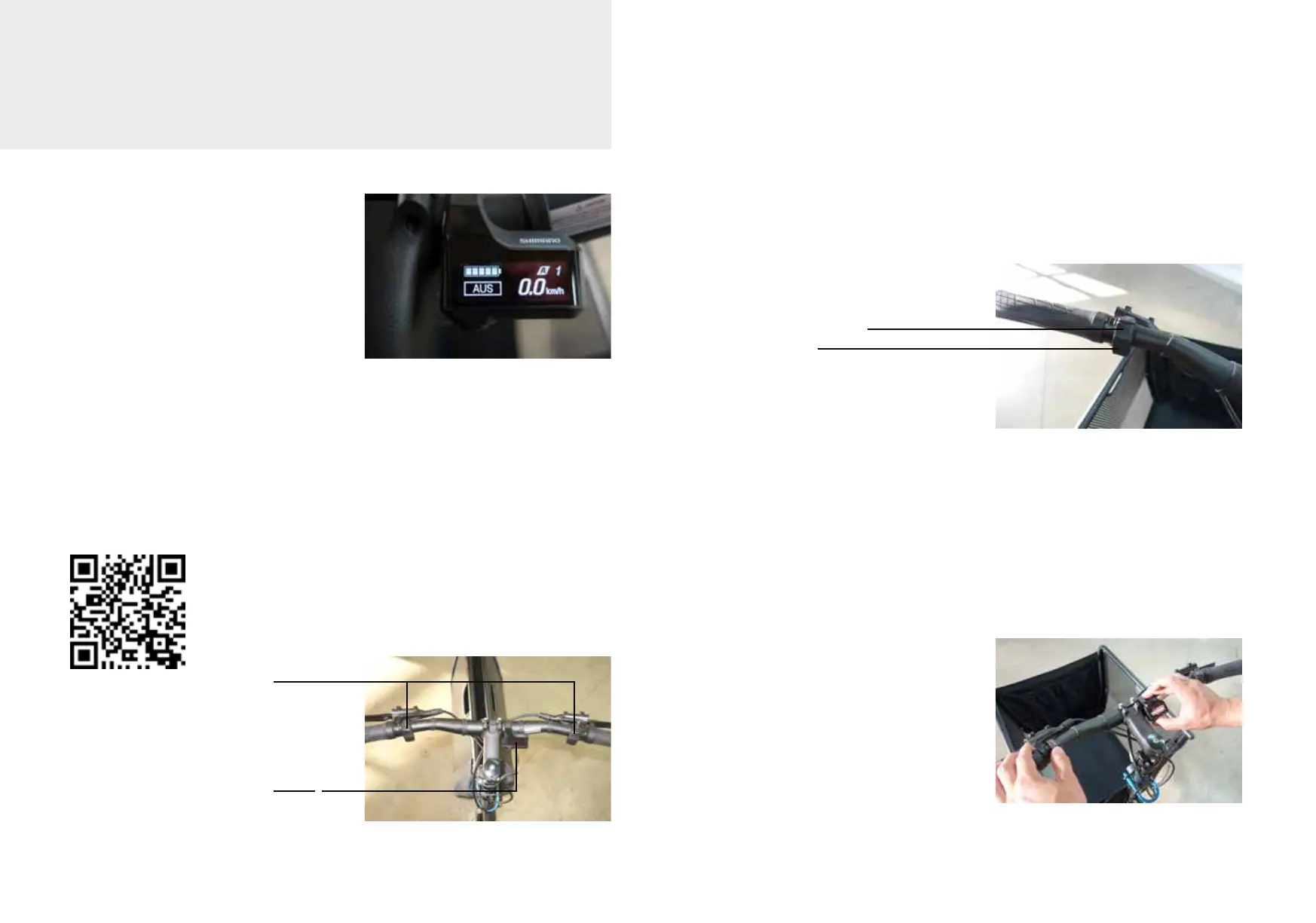
The switches and display of the Shimano E7000 series are installed on your e-
muli st. Additional information on these controls can therefore also be found in
the Shimano E7000 user manual.
You can call this up at:
https://si.shimano.com/pdfs/um/UM-79E0A-002-01-GER.pdf
Switch
Display
Pressing the X button increases the support, pressing the Y button decreases
the support. Pressing the Y button in O mode will take you to Walk mode. Keep
the button pressed as long as you need the push assist.
X
Y
Using the buttons on the left switch, you can select the support levels and
move the marker in the display menu settings.
Press the X and Y button simulta-
neously to enter the settings menu
on the display. Now you can naviga-
te the marker in the menu by pres-
sing the X and Y key. By pressing the
function button on the display, you
select menu item. For example,
you can switch the light on or o in
the menu item Light.
Battery and control unit
Shimano Steps battery 500 Wh



 To Next Page