5. To Connect with Mobile Device
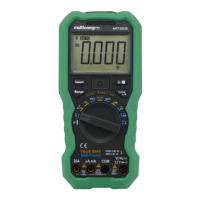
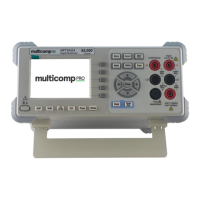
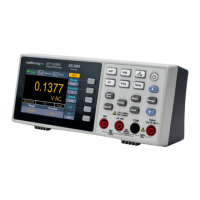
MP730624E supports communications with Android or iOS based smart device through
Bluetooth. You can use the free application software on the smart devices to monitor the
measurements, perform remote control, view trending graphs, etc. The recorded data can
be saved as CSV file. The maximum number of record that can be stored depends on the
free storage space in your smart device. More than one meters can be connected
simultaneously.
Note: Bluetooth connectivity works over a range of about 7 to 8 meters. The work range
is much longer in open-sided and non-occluded wide range environment, even up to 20
meters. When the Bluetooth function is idle for 10 minutes, the Bluetooth will be turned
off automatically. Before turning off, the buzzer will beep twice.
Install the free application software
System Requirements of Mobile Devices
⚫ Bluetooth 4.0 Android APP
Android devices with BLE 4.0 connectivity.
Android versions: 4.3 or above
⚫ Bluetooth 4.0 iOS APP
iPhone 6s/6s Plus, iPhone 6/6 Plus, iPhone 5c/5s, iPhone 5
(Support iPhone with BLE 4.0 connectivity, iOS7.0 or above; iPhone 4s or the older
devices are not supported.)
For Android device
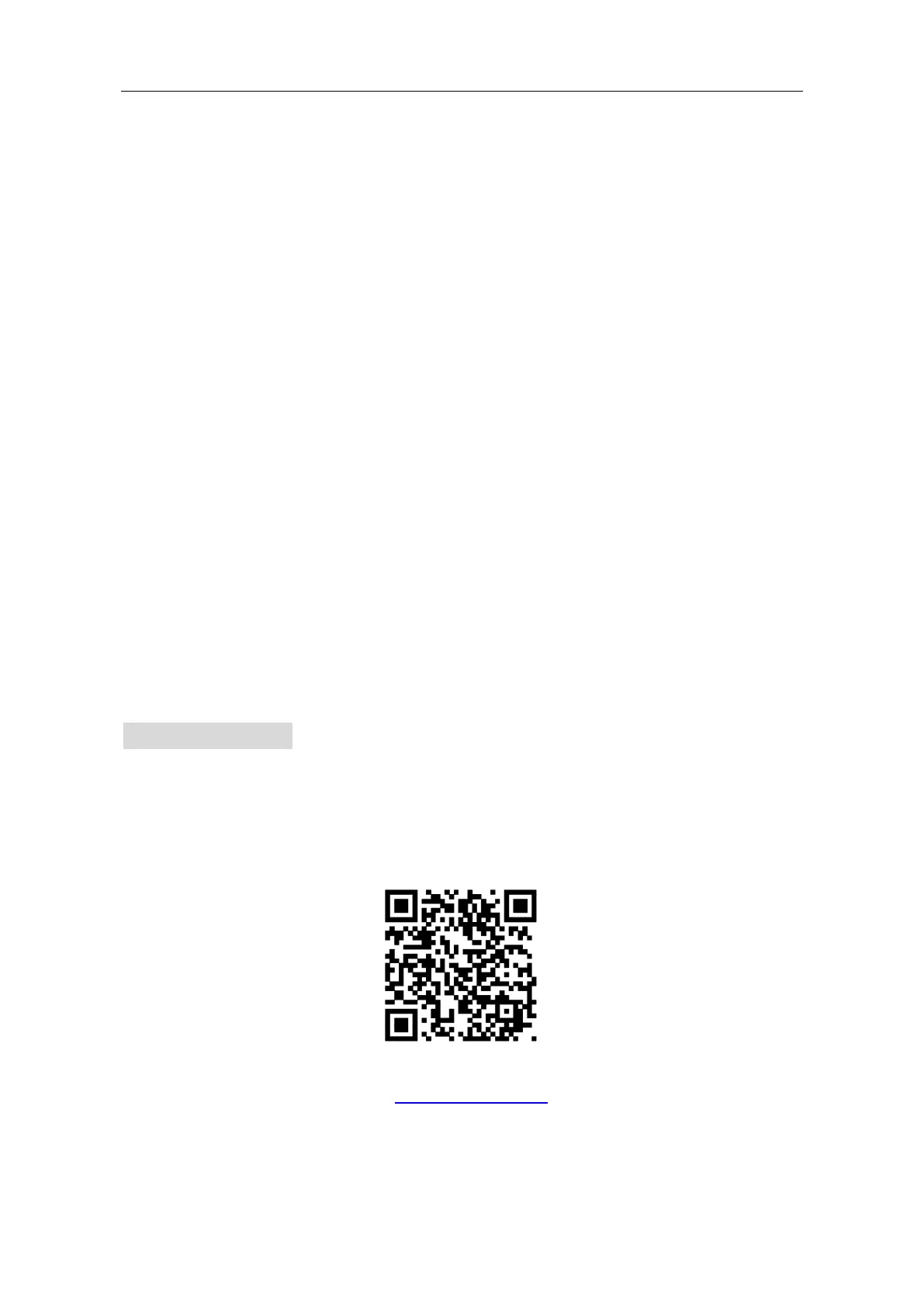
If the system and Bluetooth version of your mobile device meet the requirements, scan
the QR Codes below with your mobile device, select the Bluetooth 4.0 Android APP and
install it.
Bluetooth 4.0 Android APP
Note: The help content below may be not completely consistent with the application
software, only for reference. Visit https://uk.farnell.com/ to get the latest version of this
user manual.



 To Next Page