33
www.multilaser.com.br
ENGLISH
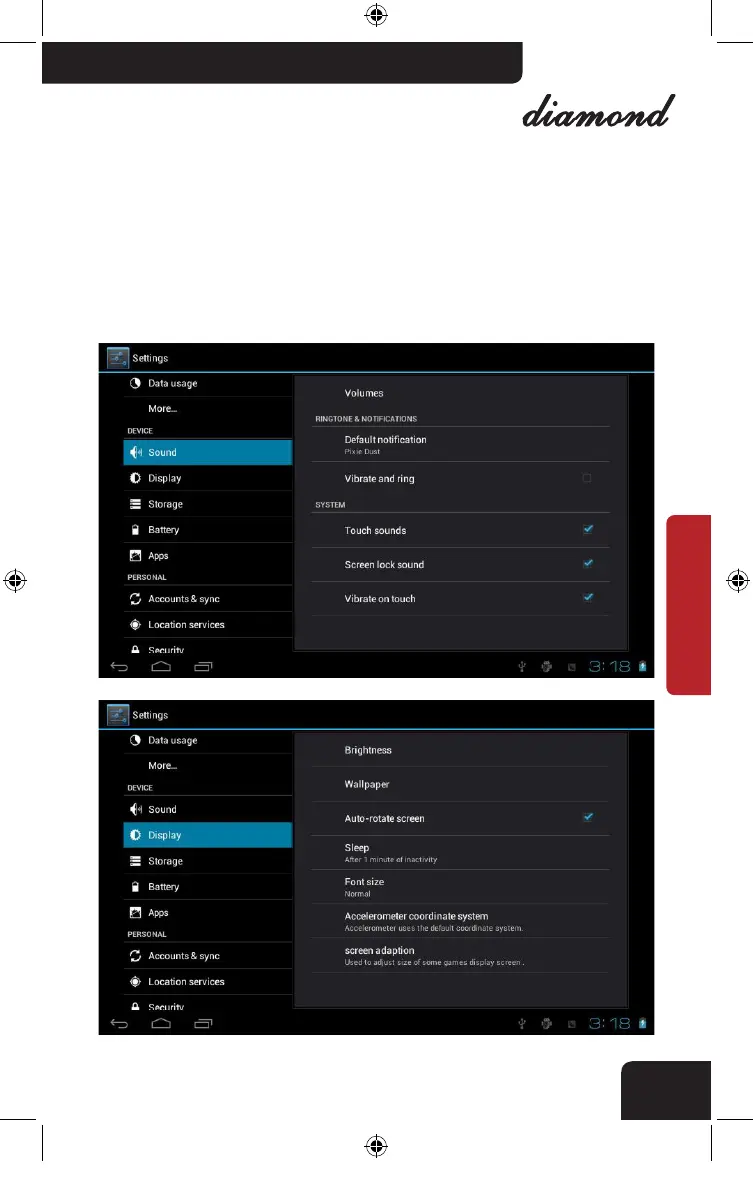
. Sound setting: for media volume adjusting, could be achieved by “Vol+”
or “Vol-“ buttons.
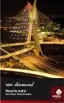
. Direction: rotate PMP to adjust direction automatically
. Brightness: adjust the screen brightness by clicking the setting bar.
. Sleep: there are 6 mode: 15 seconds, 30 seconds, 1 minute, 2 minutes, 10
minutes and 30 minute.
nb005_LIVRO_rv1.indb 33 21/3/2012 11:50:31



 To Next Page