18 www.multisound.it
GB
or wait until the device returns automatically to the track that was playing
after 10 seconds.
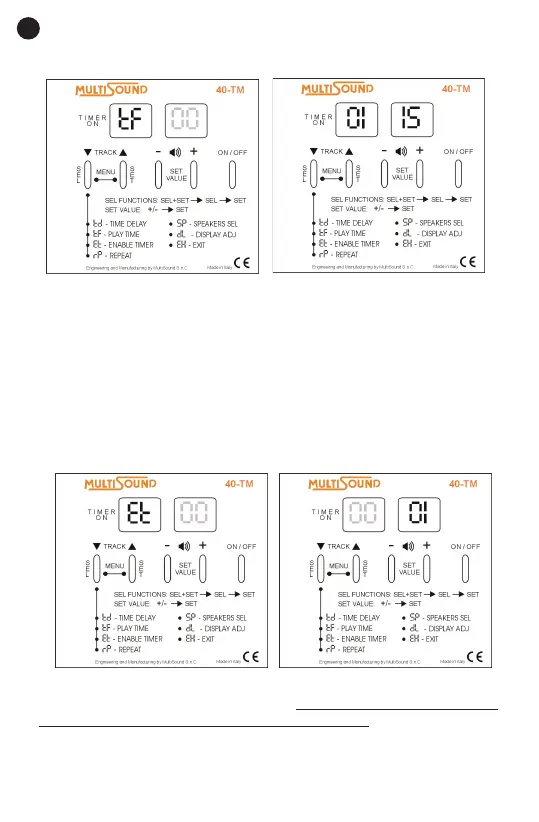
Et – ENABLE TIMER
1. Press the select (SEL) and set (SET) buttons at the same time for at
least 2 seconds to enter the SETTINGS MENU.
2. Press the select (SEL) button repeatedly until the enable timer Etsymbol
appears on the display.
3. Press the set (SET) button. Press the plus (+) button to input the value
“1” to enable the timer.
4. Press the set (SET) button to conrm. The timer will be enabled imme-
diately.
The device will stop playing and the center segment of the left display will
ash to conrm that the timer is enabled. Press any button to see the time
remaining until the next delayed start of the device. When the device is
playing and the timer is enabled, the center segment of the left display will
glow and the right display segment will alternate indicating that the device
is functioning normally.



 To Next Page