21info@multisound.it
GB
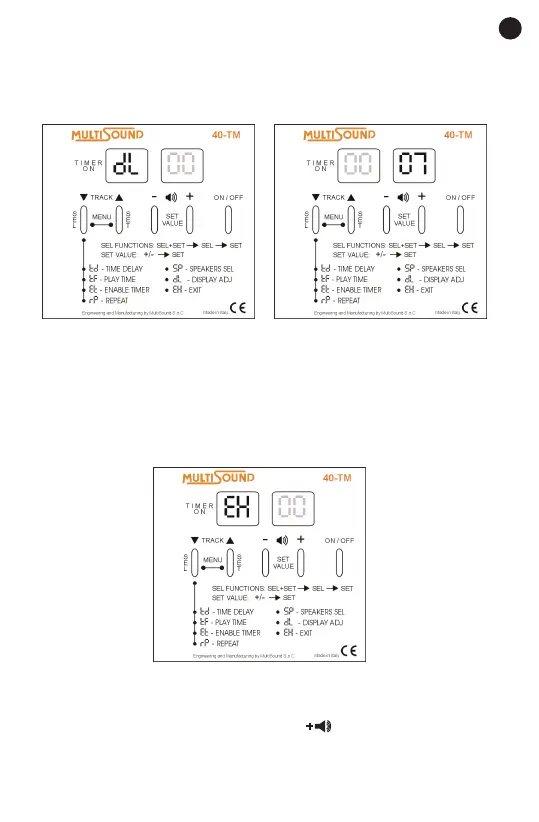
5. To exit the menu, press the select (SEL) button repeatedly until the exit
EH symbol appears on the display. Press the set (SET) button to conrm or
wait until the device returns automatically to the track that was playing after
10 seconds.
EH – EXIT
Select the exit EH symbol to return to the main menu.
1. Press the select (SEL) button until the exit EH symbol appears on the di-
splay.
2. Press the set (SET) button to conrm.
FACTORY DATA RESET
Press the select (SEL) and increase volume buttons at the same time for
at least 3 seconds to reset the player to original factory settings. The number
88 will appear on the display to conrm the reset.



 To Next Page