22
MultiMobile
USB
User Guide
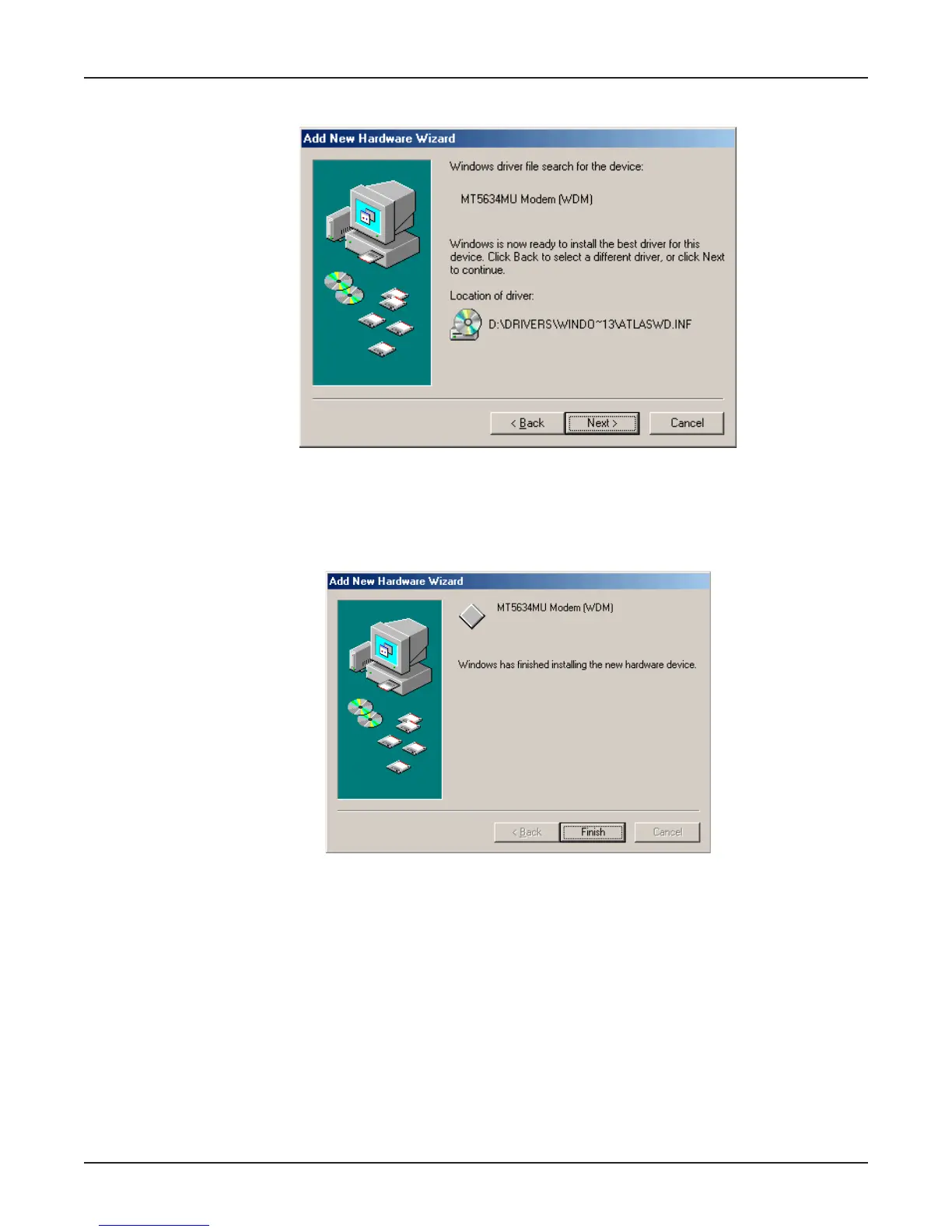
6. The Add New Hardware Wizard “Windows driver file search ...” screen appears.
Click Next.
7. Transient progress screens will appear while files are being copied. After the files have been
copied to your PC, an Add New Hardware Wizard screen will appear indicating that Windows
has finished installing this the first of two drivers.
Click Finish to complete the installation of this first driver. The wizard will close.















 To Next Page