23
Chapter 2 - Installation
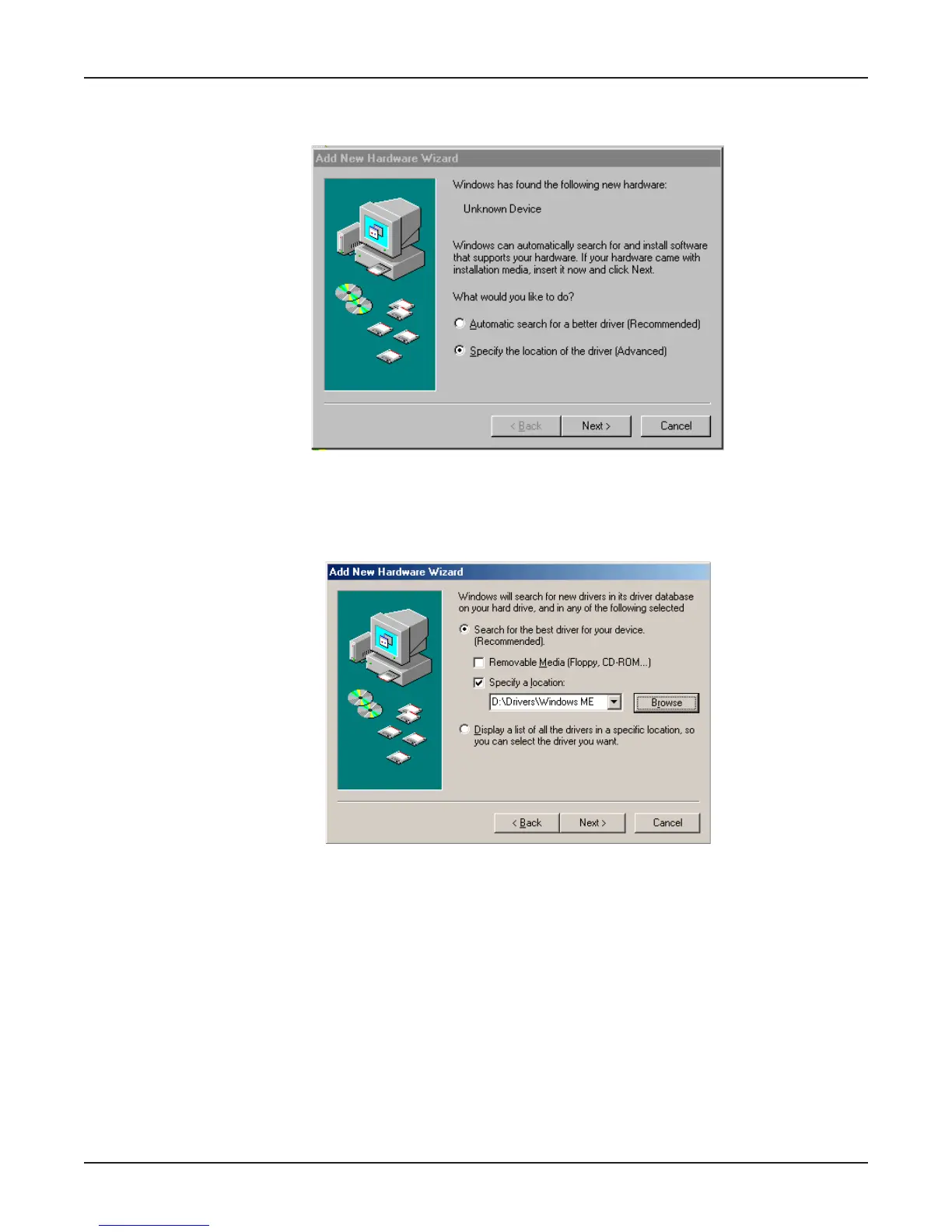
8. Windows ME will now detect an “Unknown Device” and begin another Add New Hardware
Wizard, again asking “What would you like to do?”
Choose “Specify the location of the driver (Advanced)” and click Next.
9. At the next screen, (the Add New Hardware Wizard “Windows will search for new drivers...”
screen), uncheck the “Removable Media” button (if necessary) and check “Specify a location.”
Click Next.















 To Next Page