24
MultiMobile
USB
User Guide
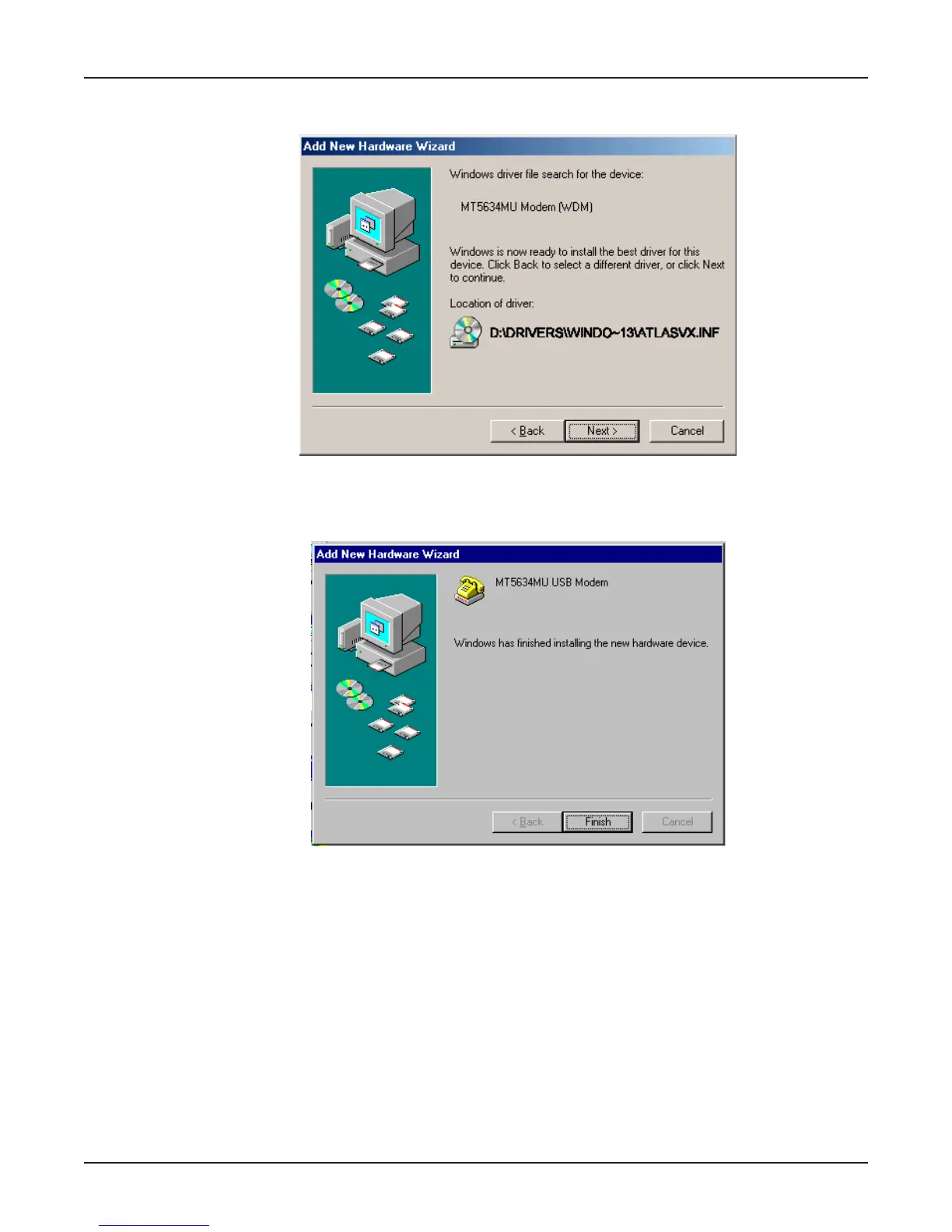
10. Transient screens will appear while files are being copied. The Add New Hardware Wizard
“Windows driver file search” screen will appear. Click Next.
11. After files have been copied, a completion screen will appear.
Click Finish to complete the installation of this the second driver. The wizard will close.
12. Remove the MT5634MU Installation CD from the computer’s CD drive.
13. Test the operation of your modem by registering it online at http://www.multitech.com/register.















 To Next Page