26
MultiMobile
USB
User Guide
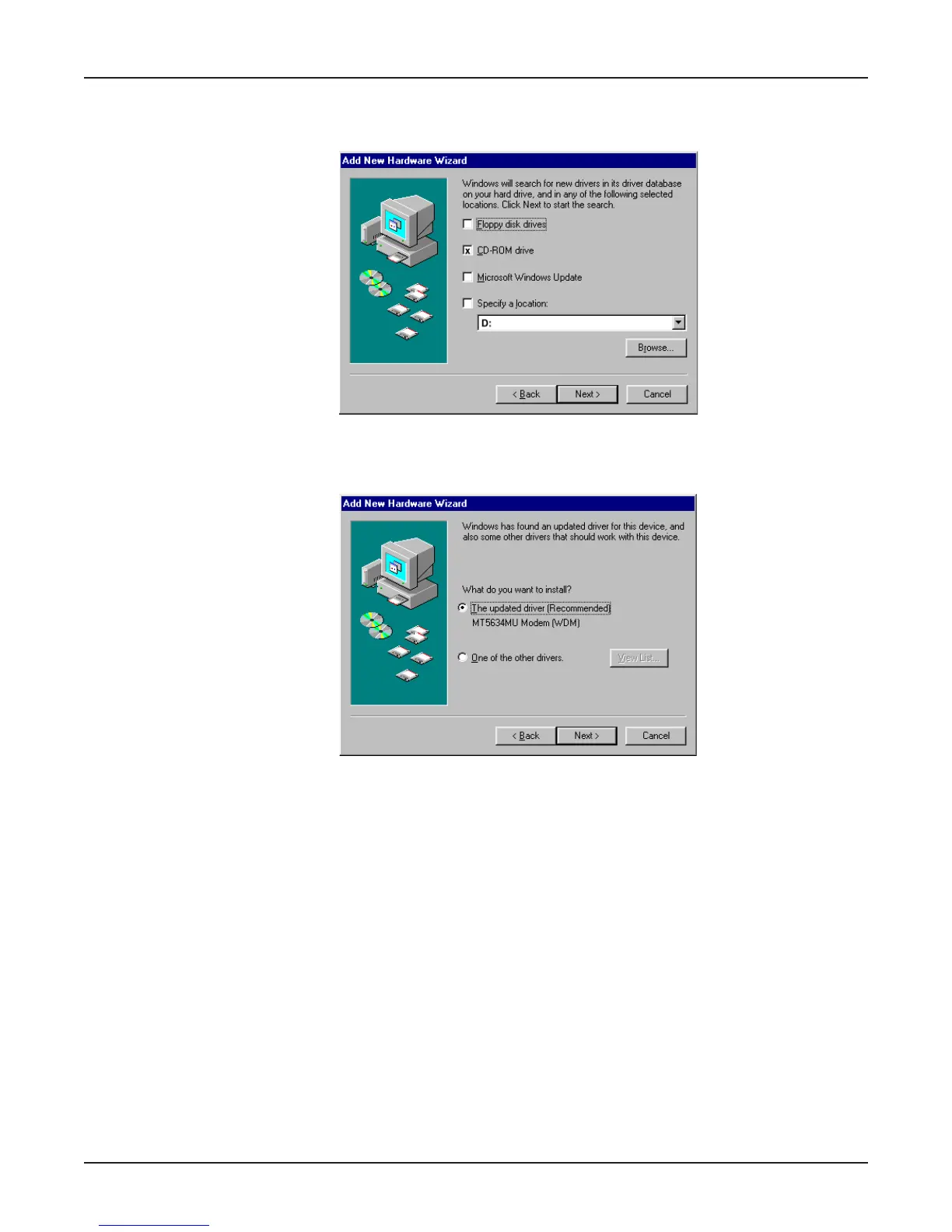
6. The Add New Hardware Wizard dialog box is displayed with the message “Windows will search
for a new driver . . .” Verify that the “CD-ROM drive” option is selected and click Next.
7. The Add New Hardware Wizard dialog box is displayed indicating that Windows has found an
updated driver for this device, and also some other drivers that should work with this device. Verify
that the “Updated driver (Recommended)” option is selected and click Next.















 To Next Page