27
Chapter 2 - Installation
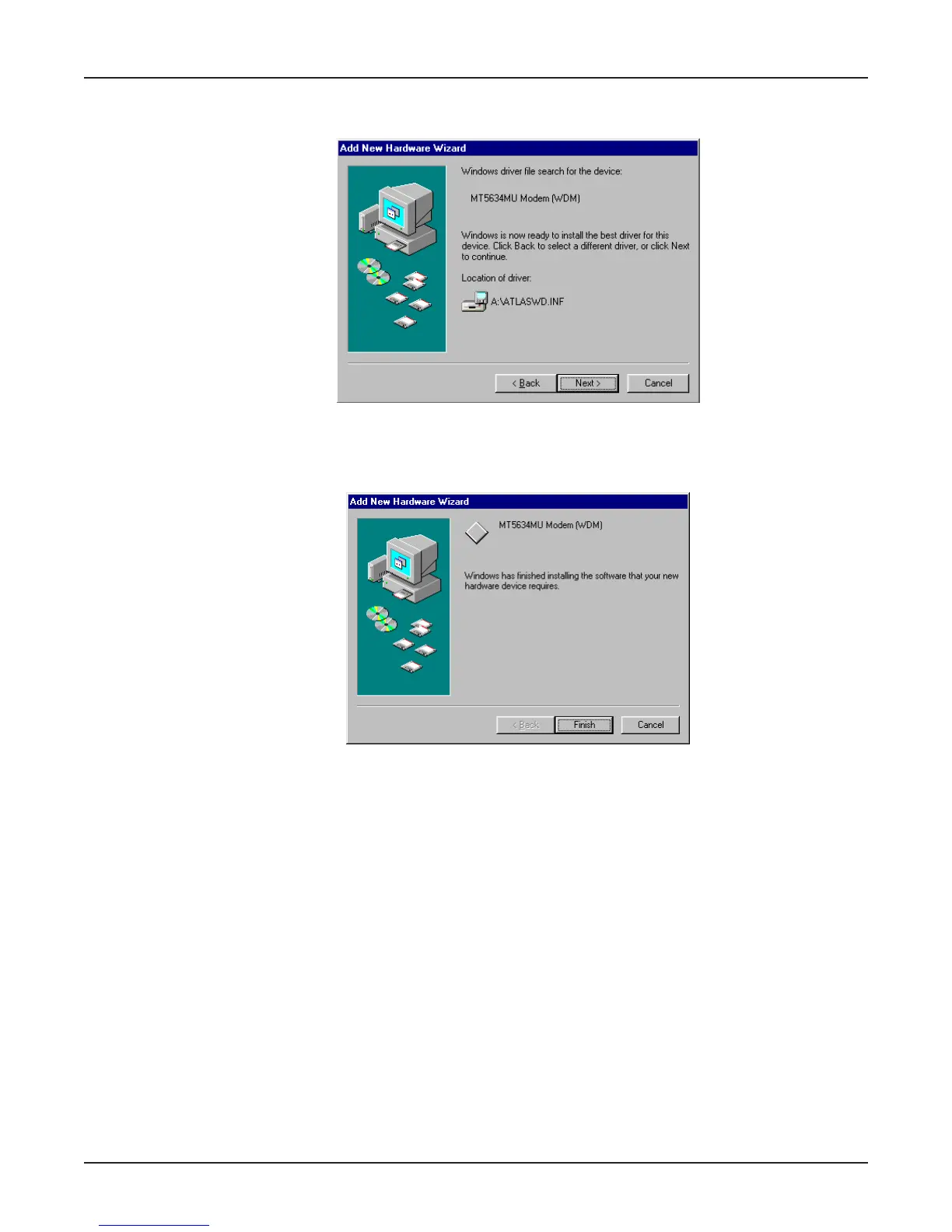
8. The Add New Hardware Wizard dialog box is displayed indicating that Windows will select the
proper driver from the MT5634MU Installation CD and will display the information for verification.
Click Next to install the selected driver.
8. Once the files have been copied to your PC, the Add New Hardware Wizard dialog box is
displayed indicating that Windows has finished installing the driver.
Click Finish to complete the installation and exit the wizard. The TR LED on your modem will light
when the installation is complete. Remove the CD from the computer.
Once installation is complete, you should test the operation of your new MT5634MU by registering
your MT5634MU product now. Key in the URL given below and follow the on-line instructions:
http://www.multitech.com/register















 To Next Page