MultiModem ZPX Quick Start Guide
5
The MultiModem only uses IRQs 3,4, and 5 so you need to check in the above screen
to see if any of these IRQs are available. The MultiModem is defaulted to IRQ 5.
5. Record the available IRQ that you are going to use ___________.
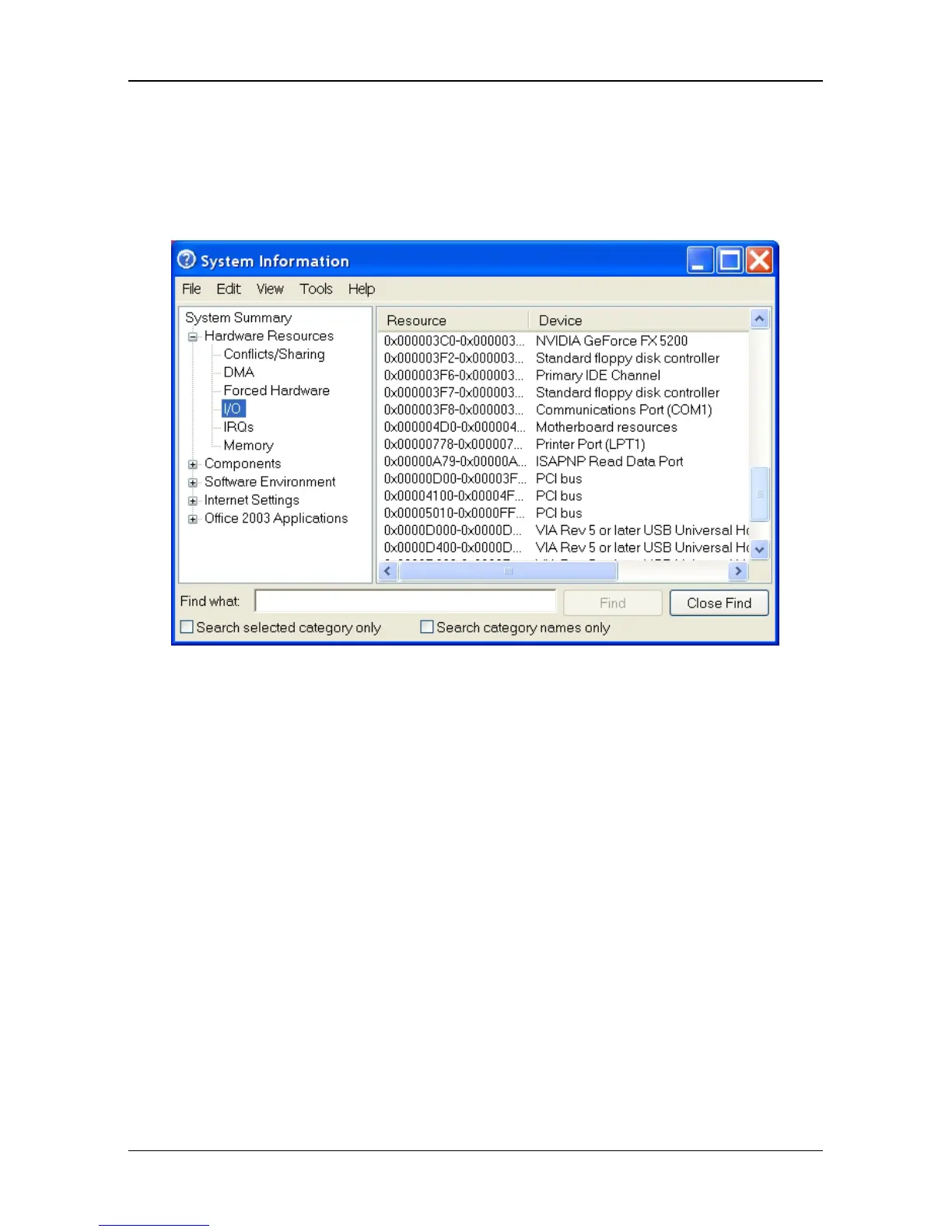
6. Click I/O to display the available I/O addresses.
7. The MultiModem uses the following I/O addresses:
COM1: 3F8-3FF
COM2: 2F8-2FF
COM3: 3E8-3EF
COM4: 2E8-2EF
and defaults to COM 4.
8. Record the available I/O address that you are going to use ______________.














 To Next Page