MultiModem ZPX Quick Start Guide
4
Step 1 - Determine System Resources
Before you physically install your new MultiModem ZPX, you need to determine which
system resources your system is using. The best way to check which resources are in use
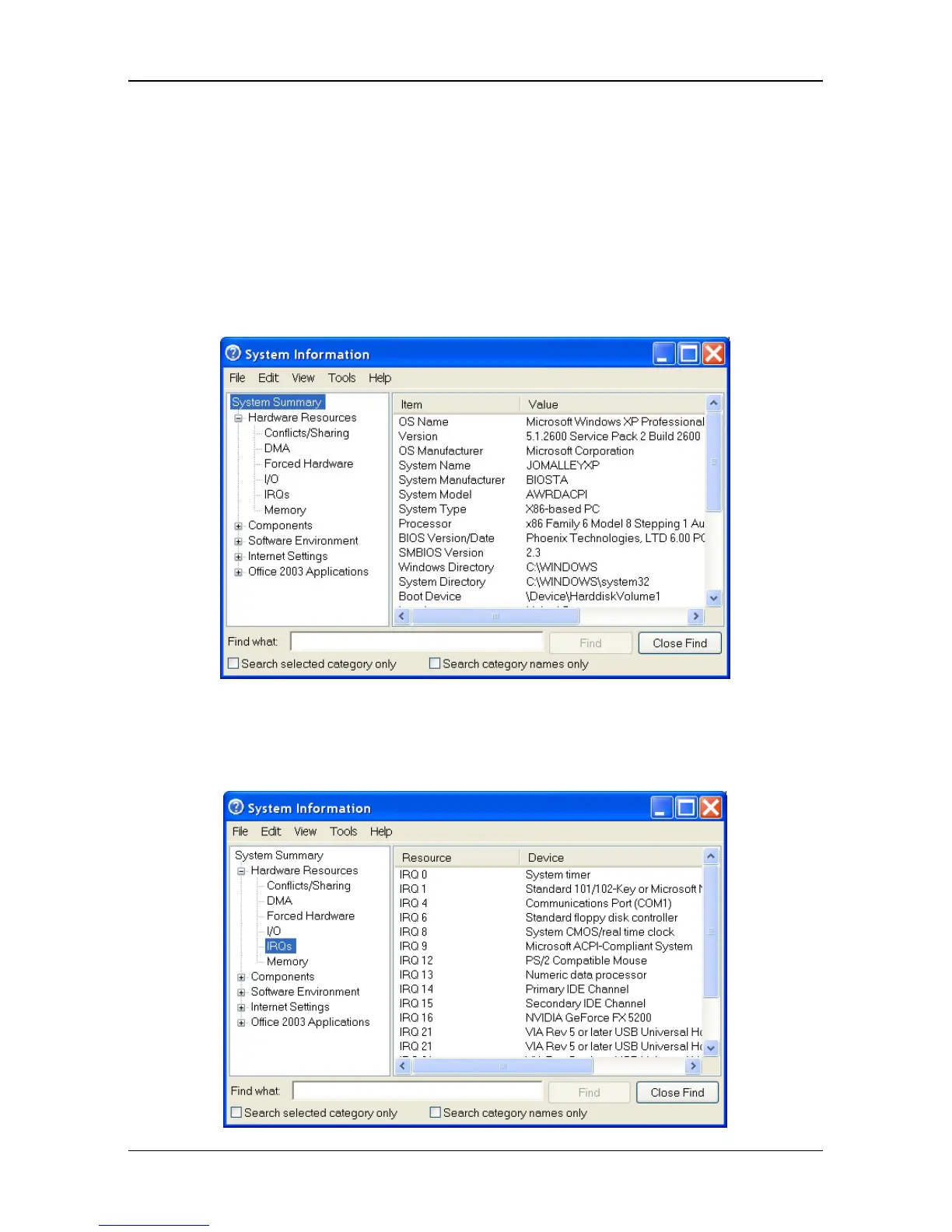
and which ones are available is to run the WINMSD Utility.
1. Click Start I Run.
2. Type WINMSD in the Open field and click OK. The operating system then displays the
System Information dialog box.
3. Click on Hardware Resources in the left window of System Information to expand the
selection.
4. Click on IRQs to display the used IRQs.














 To Next Page