P637
P645
IBM PC
RF IN
SIGNAL
GENERATOR
10dB
ATTENUATOR
PSG/10421/1
RPR 550IS Series
TM1188 Issue 1 Page 5 - 31
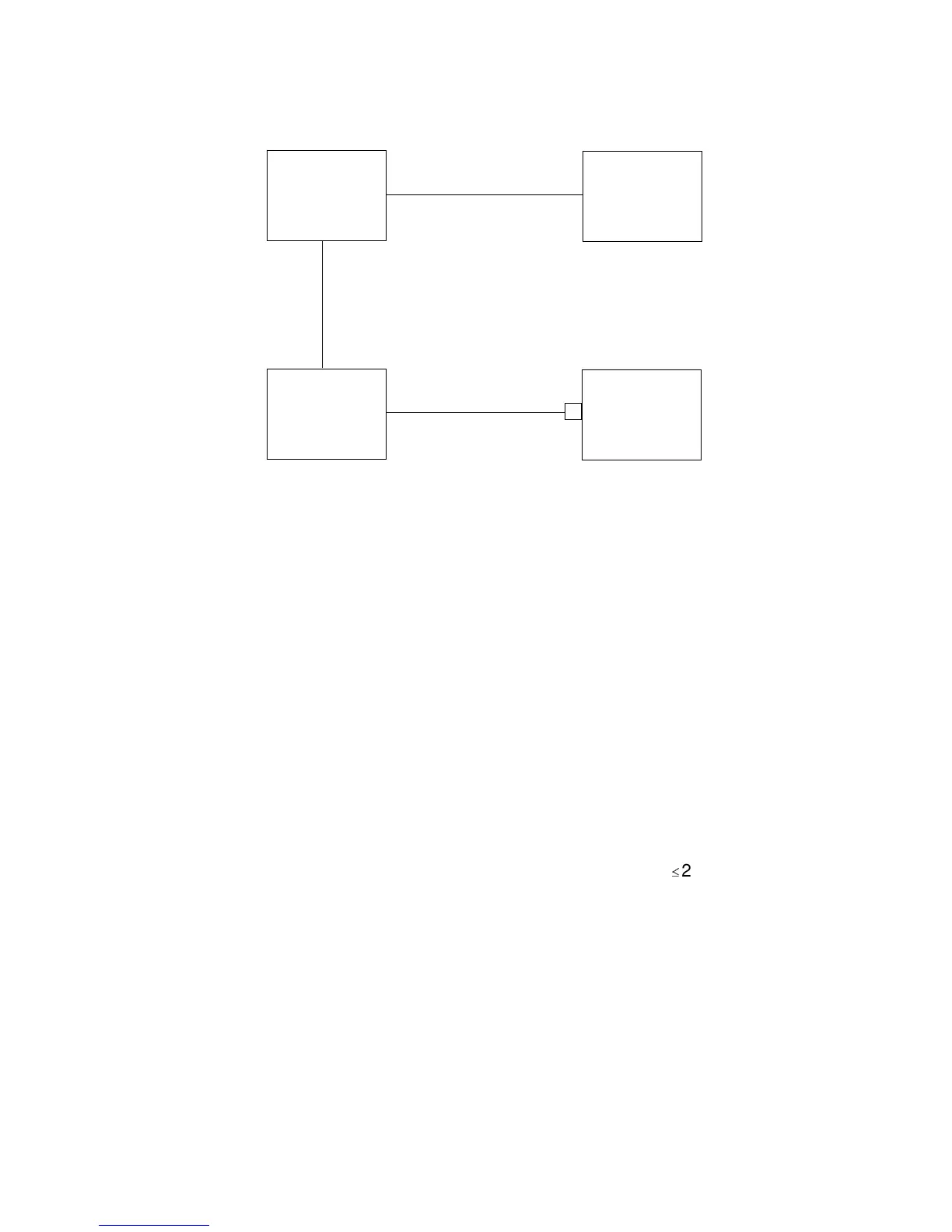
Figure 17: Coarse Sensitivity Indication
Receiver Sensitivity Measurement (Coarse)
21. To determine the radio pager's sensitivity, configure the equipment as shown in Figure
17 and proceed as follows:
a) Set the signal generator to the channel frequency at a deviation of 4.5kHz for
20/25kHz channel spacing and 2.25kHz for 10/12.5kHz channel spacing and at an
output level of -85dBm.
b) Place the radio pager into the P637F.
c) Switch on the pager.
d) Send a sensitivity call from the P645, increasing the signal generator output level
(if necessary) to obtain a correctly received call.
e) Reduce the RF level in 1dB steps until the pager receives
2 calls in five.
f) Increase the level in 1dB steps until five consecutive calls are received. An output
level should be achieved of -90dBm (RPR 551IS/552IS) or -92dBm (RPR 553IS).
NOTES: 1. This is only an indication of sensitivity.
2. The distance between the computer and the P637 must not be less than
two metres.
3. This method is dependent on being in a noise-free environment.



 To Next Page