Page
8
of
21
IDS001 Document Scanner User Manual
Version 1.00
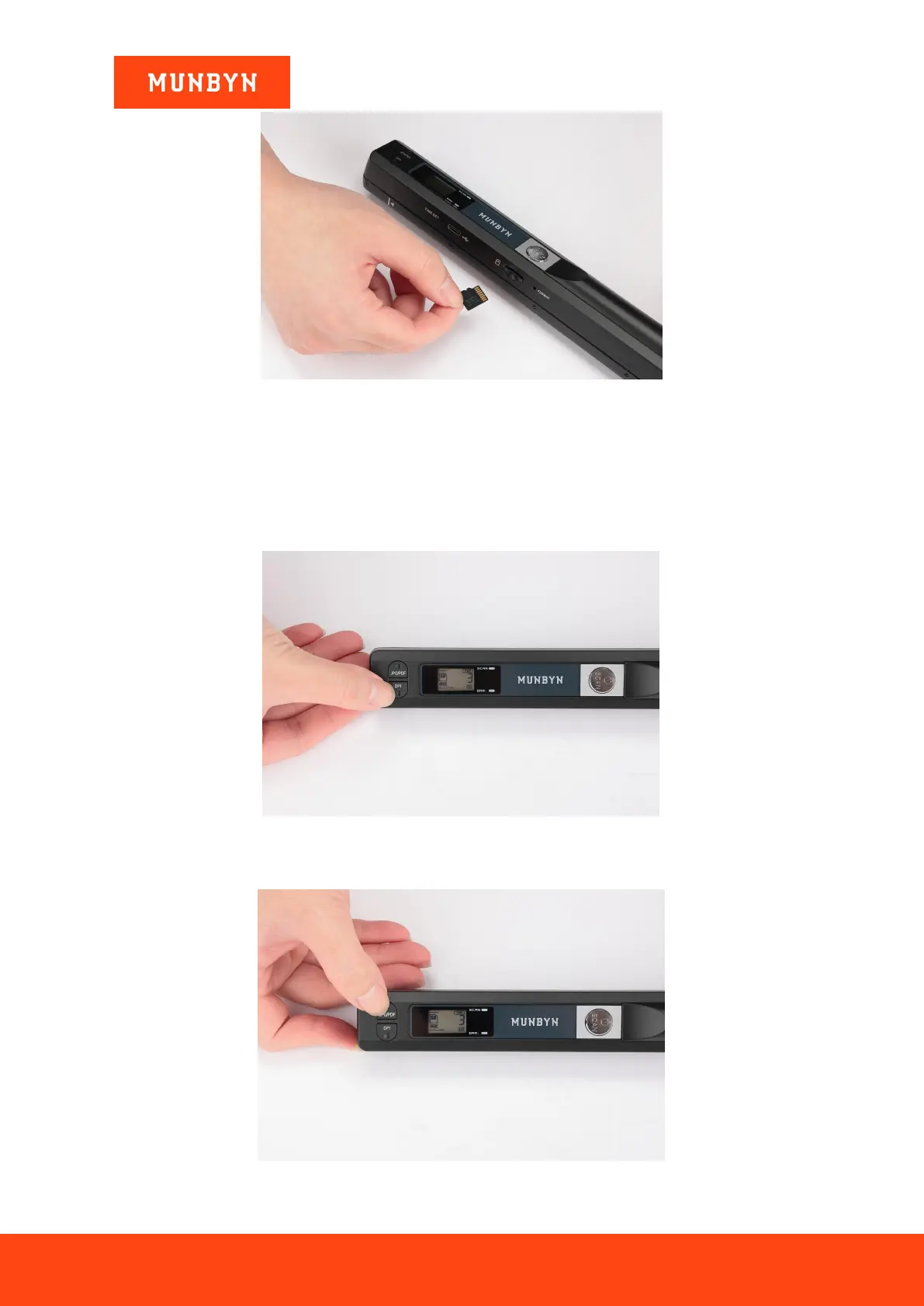
Figure 2-3 SD Card Inserted
2.2. How to Start Scanning
1) Press the "SCAN” button for 2s to turn on the scanner.
2) Select the DPI you want: HI (High: 900 DPI) / M I(Middle:600 DPI) / LO (Low:300 DPI)
Figure 2-4 Select DPI
3) Select the document format you want: JPG / PDF
Figure 2-5 Select JPG/PDF


 To Next Page