(10)
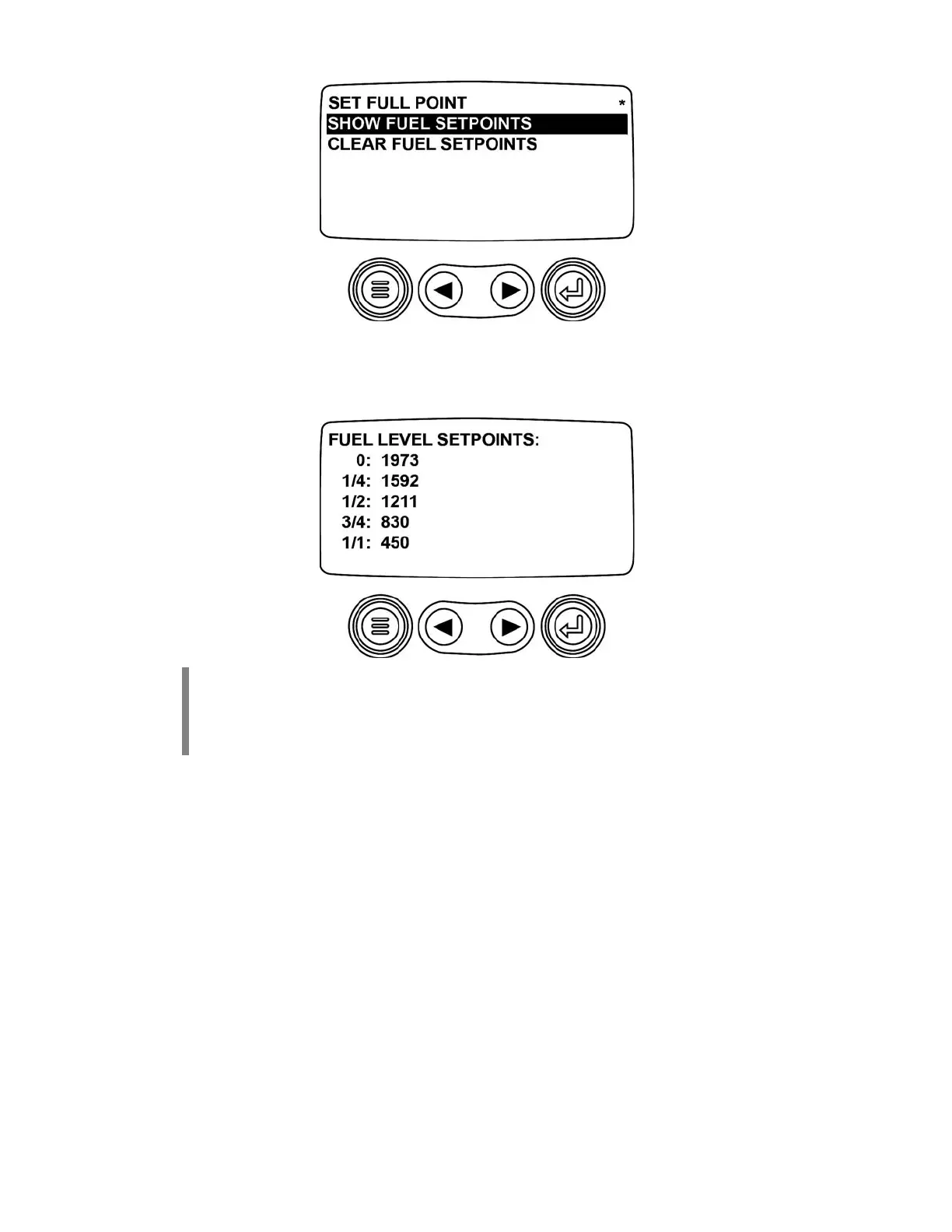
The following screen is displayed:
NOTE:
The numbers displayed on the above screen are examples only. The numbers
displayed on the newly set PV101 will be different.
NOTE:
Once these setpoints are complete, you can add them to your configuration via the
Configuration tool and they can become default values.



 To Next Page