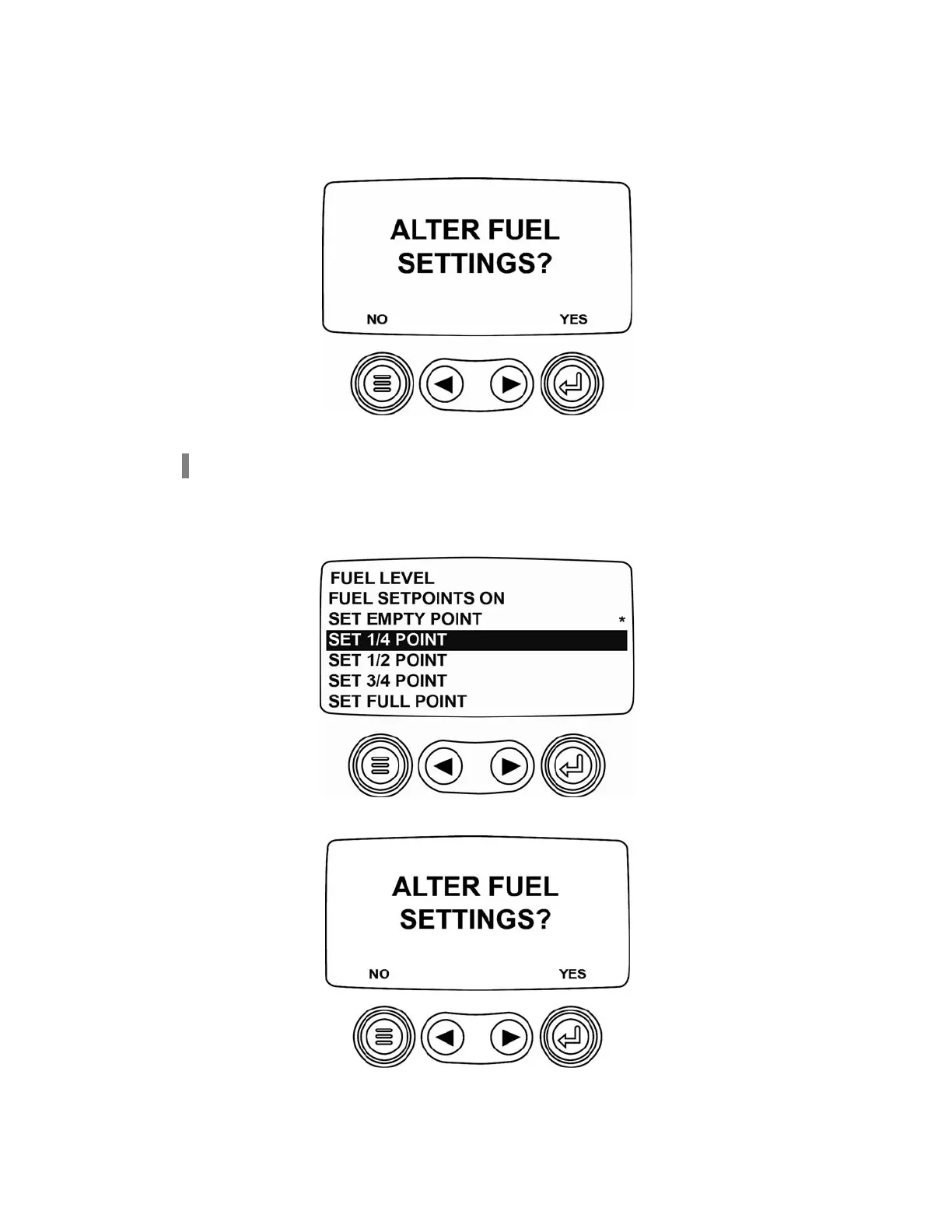
The following screen is displayed. Then set the resistive value. It represents the Empty point from the non-Murphy
fuel sender that must be sent to the PV101. While sending the resistive value, select
[YES]
and the PV101 will
have a new low fuel setpoint setting.
Once the new settings are set, the menu will be displayed.
NOTE: Once the setpoint has been set, an asterisk is displayed to the right of the setpoint.
Set 1/4 Point, 1/2 Point, and 3/4 Point
Add fuel to 25% of the tank’s capacity and select the quarter tank set the 1/4 point setpoint.
The following screen is displayed.
Select [YES] while sending the resistive value.
(7)



 To Next Page