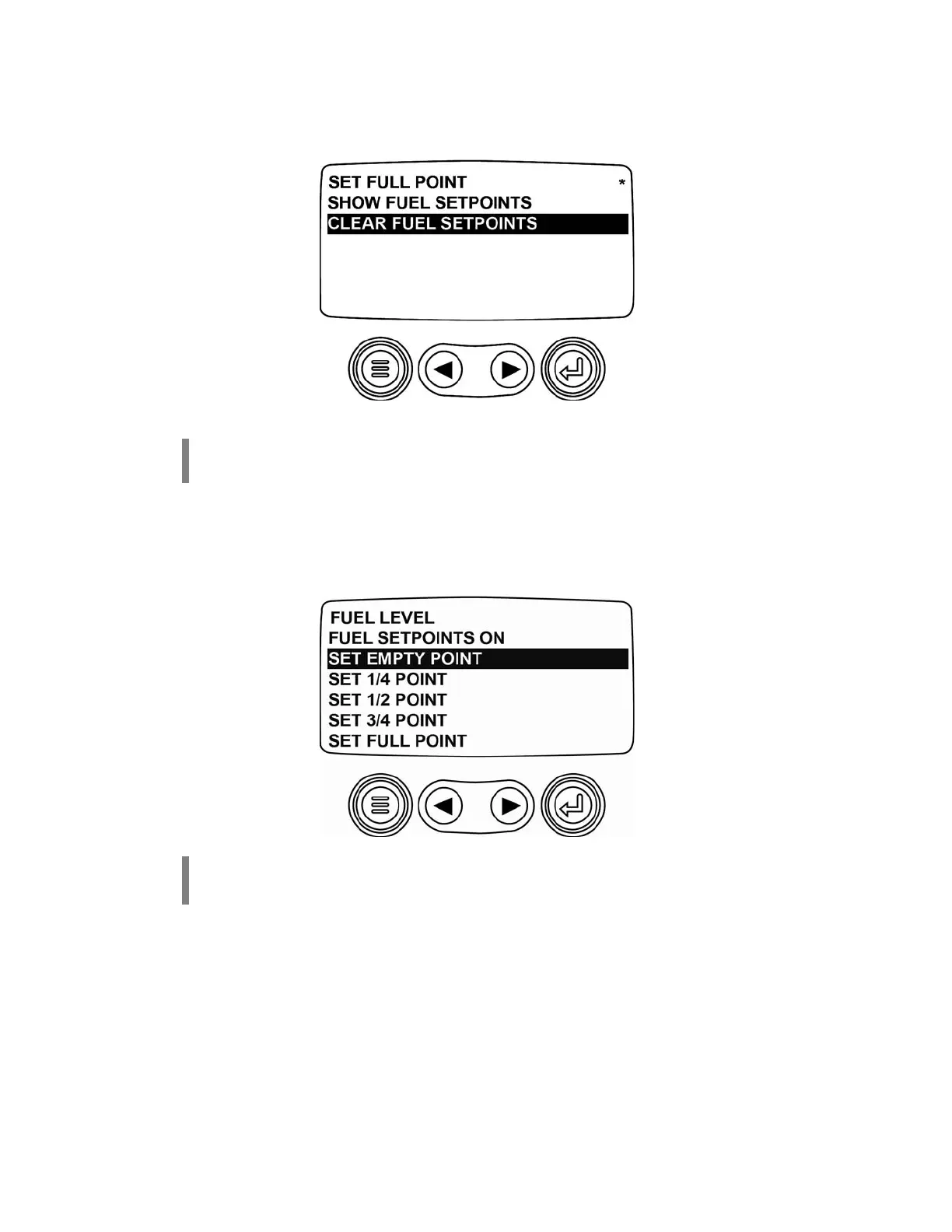
Clear Fuel Setpoints
Use the right arrow key to scroll down to page 2 and select
CLEAR FUEL SETPOINTS
.
This will clear the Murphy
Standard settings.
NOTE:
The SET EMPTY POINT, SET 1/4 POINT, SET 1/2 POINT, SET 3/4 POINT and
SET FULL POINT must be programmed before continuing.
Set Empty Point
First select SET EMPTY POINT with fuel tank empty.
NOTE: The fuel tank must be empty to begin this process.
NOTE: Once the setpoints have been cleared, the asterisks are removed.
(6)



 To Next Page